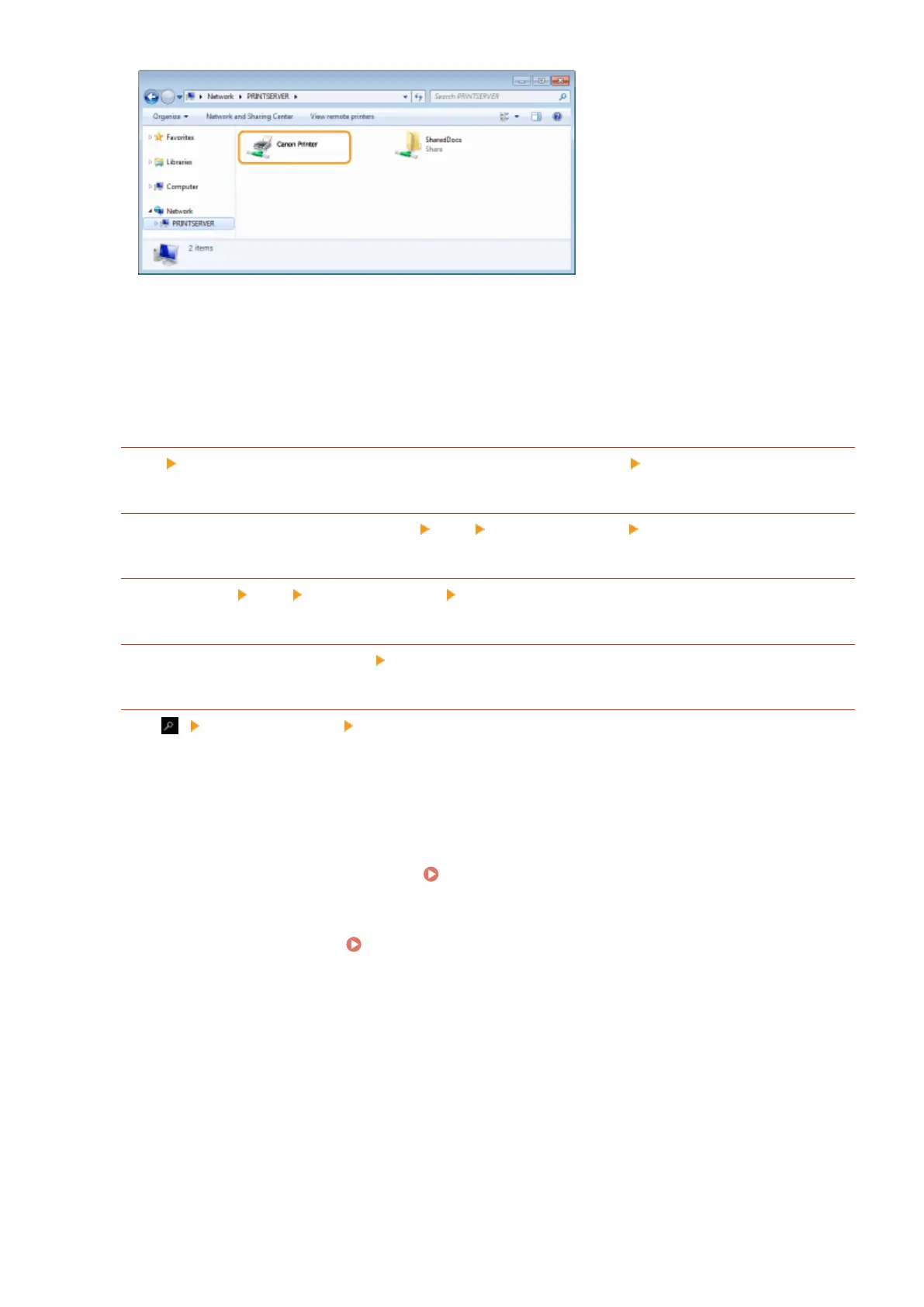
◼ Displaying the [Softwar
e Programs/Manuals Setup] Screen
If your computer does not display the [Software Programs/Manuals Setup] screen after inserting the provided CD-
ROM/DVD-ROM, follow the procedure below. The CD-ROM/DVD-ROM drive name is indicated as "D:" in this manual.
The CD-ROM/DVD-ROM drive name may differ depending on the computer you are using.
Windows Vista/7/Server 2008
[Start] enter "D:\MInst.exe" in [Search programs and les] or [Start Sear
ch]
press the [ENTER] key.
Windo
ws 8/Server 2012
Right-click the lower-left corner of the screen [Run] Enter "D:\MInst.exe" click [OK]
Windo
ws 8.1/Server 2012 R2
Right-click [Start] [Run] Enter "D:\MInst.exe" click [OK]
Windo
ws 10
Enter "D:\MInst.exe" in the search box click [D:\MInst.exe] displayed as the search result.
Windo
ws Server 2016
Click [ ] enter "D:\MInst.exe" click [D:\MInst.exe] displayed as the search result.
◼ Printing a T
est Page in Windows
You can check whether the printer driver is operational by printing a test page in Windows.
1
Load A4 size paper in the drawer.
Loading Paper in the Drawer(P. 134)
2
Open the printer folder. Displaying the Printer Folder(P. 556)
3
Right-click the printer driver icon for this machine, and click [Printer properties] or
[Properties].
Appendix
558











 To Next Page