PC-D320/PC-D340/FAX-L400 Chapter 5: Appendix
5-10
3. OPTION
3.1 Handset Kit (FAX-L400 only)
3.1.1 Service operations
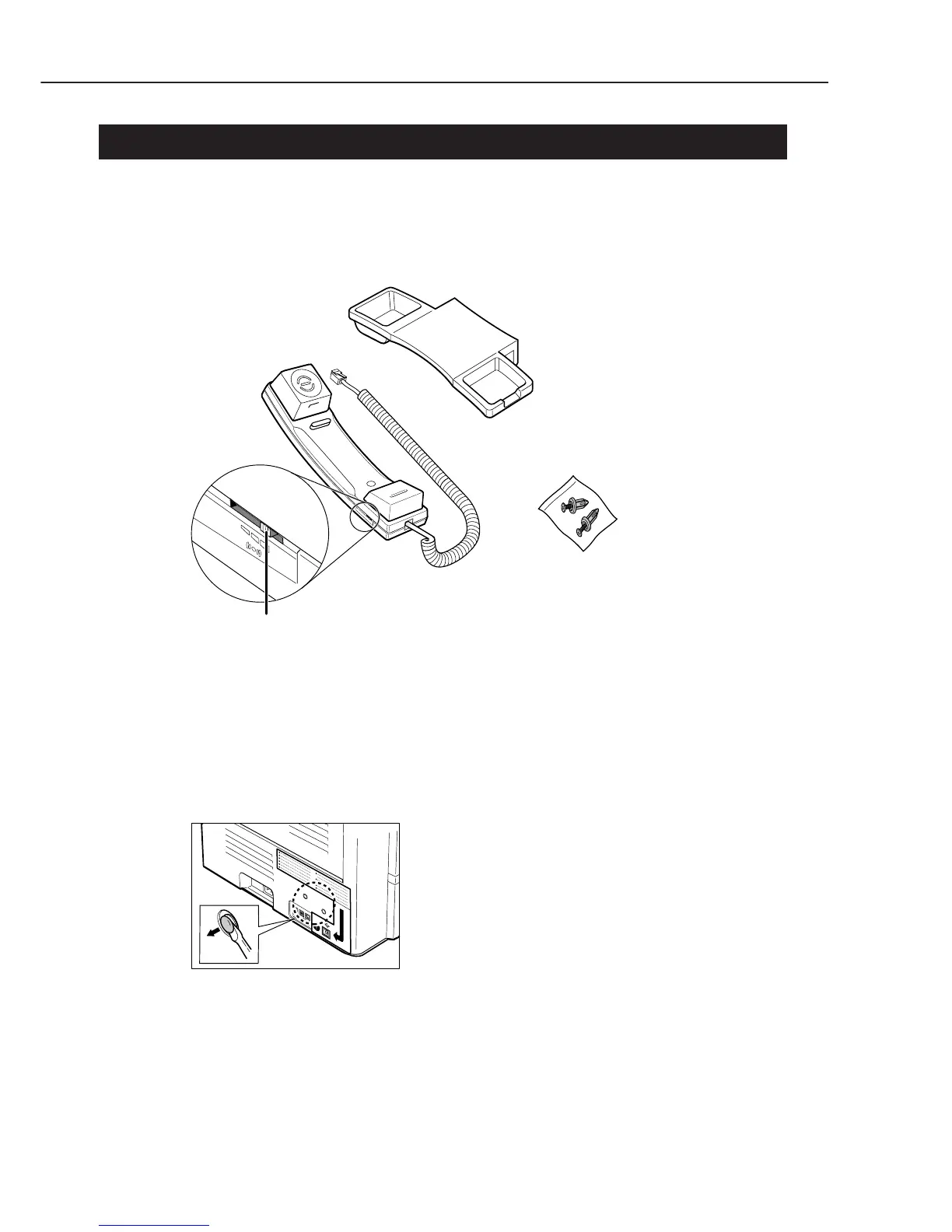
a) External view
HANDSET
HANDSET CRADLE
RINGER VOLUME SWITCH
Adjusts the volume of the ringer.Use a pen
or another pointed object to adjust the
switch to HIGH, LOW, or OFF.
SCREWS WITH PLUGS (2)
Figure 5-9 External View
b) Installation
b-1) Attachment to the main unit
Use a screwdriver to remove the two covers on the left side of the unit.
Figure 5-10 Handset Installation 1



 To Next Page