PC-D320/PC-D340/FAX-L400 Chapter 3: Assembly and Disassembly
3-16
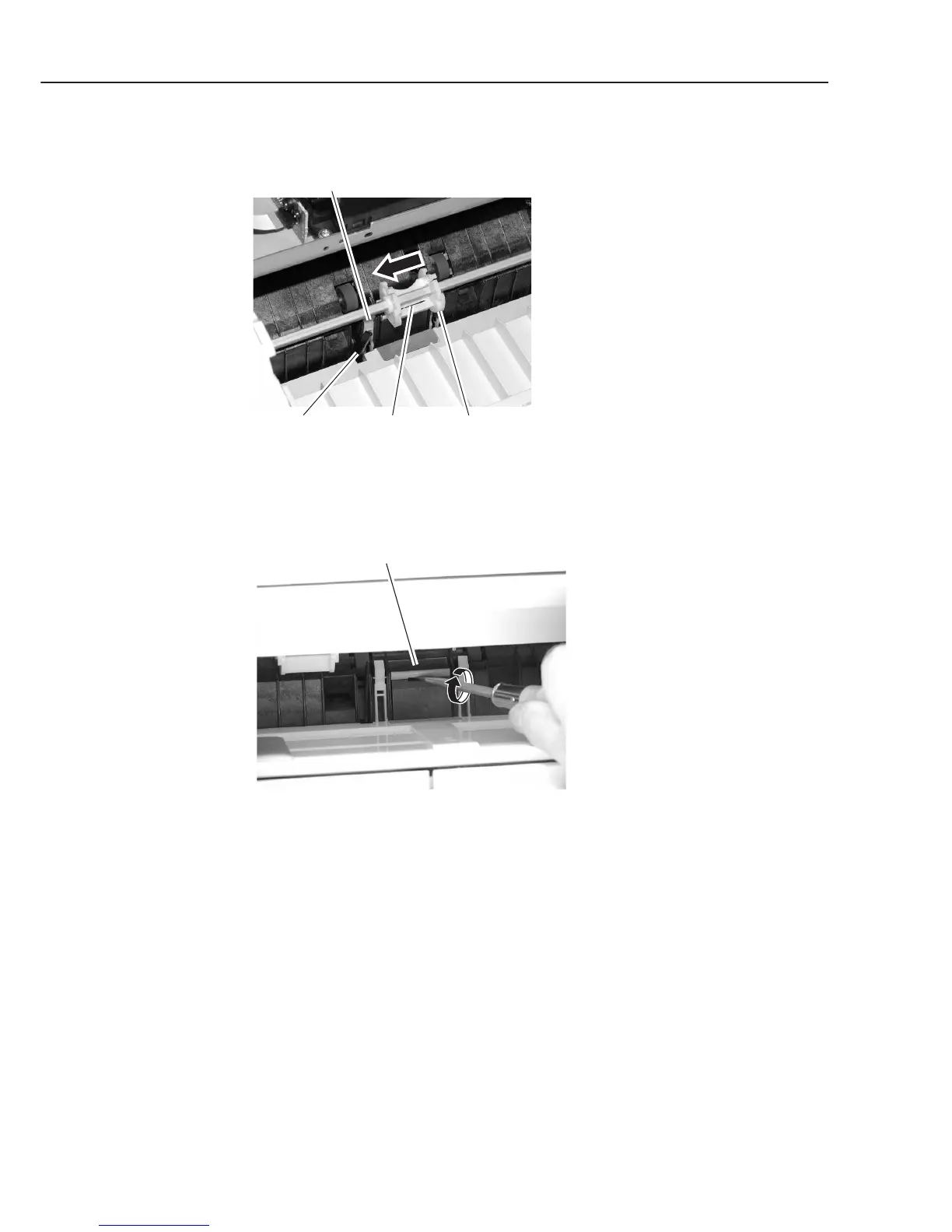
(17) While pushing the sensor lever and the arm, shift the pick-up roller holder to the left
by pushing the claw.
Figure 3-20 Recording Section 10
(18) Remove the separation pad with the flathead screwdriver.
Figure 3-21 Recording Section 11
Claw Pick-up roller holder
Arm
Sensor lever
Separation pad



 To Next Page