Preparing/Replacing the Cartridge
19
Getting Started
1
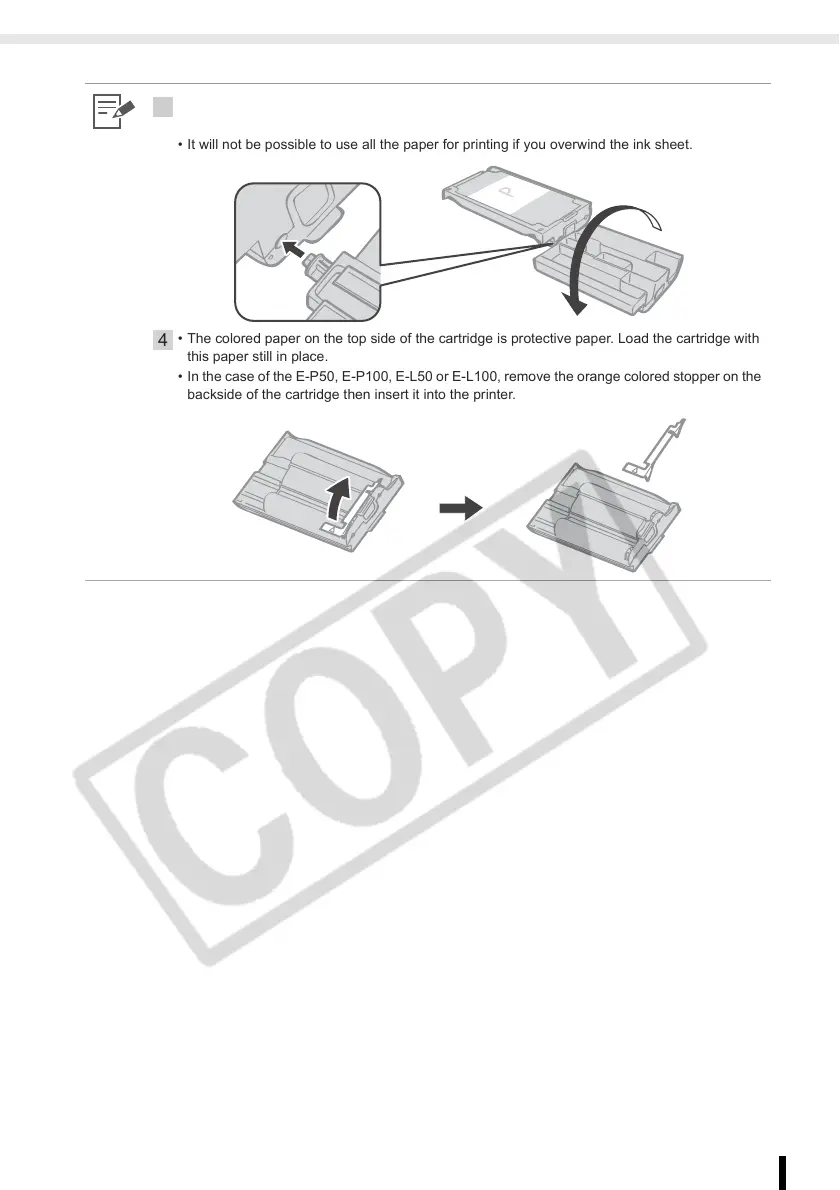
• When inserting the cartridge into the printer, if the ink sheet is so slack it catches, insert the
cleaner unit and turn it slowly to take up the slack.
• It will not be possible to use all the paper for printing if you overwind the ink sheet.
4
• The colored paper on the top side of the cartridge is protective paper. Load the cartridge with
this paper still in place.
• In the case of the E-P50, E-P100, E-L50 or E-L100, remove the orange colored stopper on the
backside of the cartridge then insert it into the printer.














 To Next Page