78
Appendix
Making Printer Settings
You can make various printer settings, such as language or power saving settings.
How to Use the Menu
1 Turn the printer on and press .
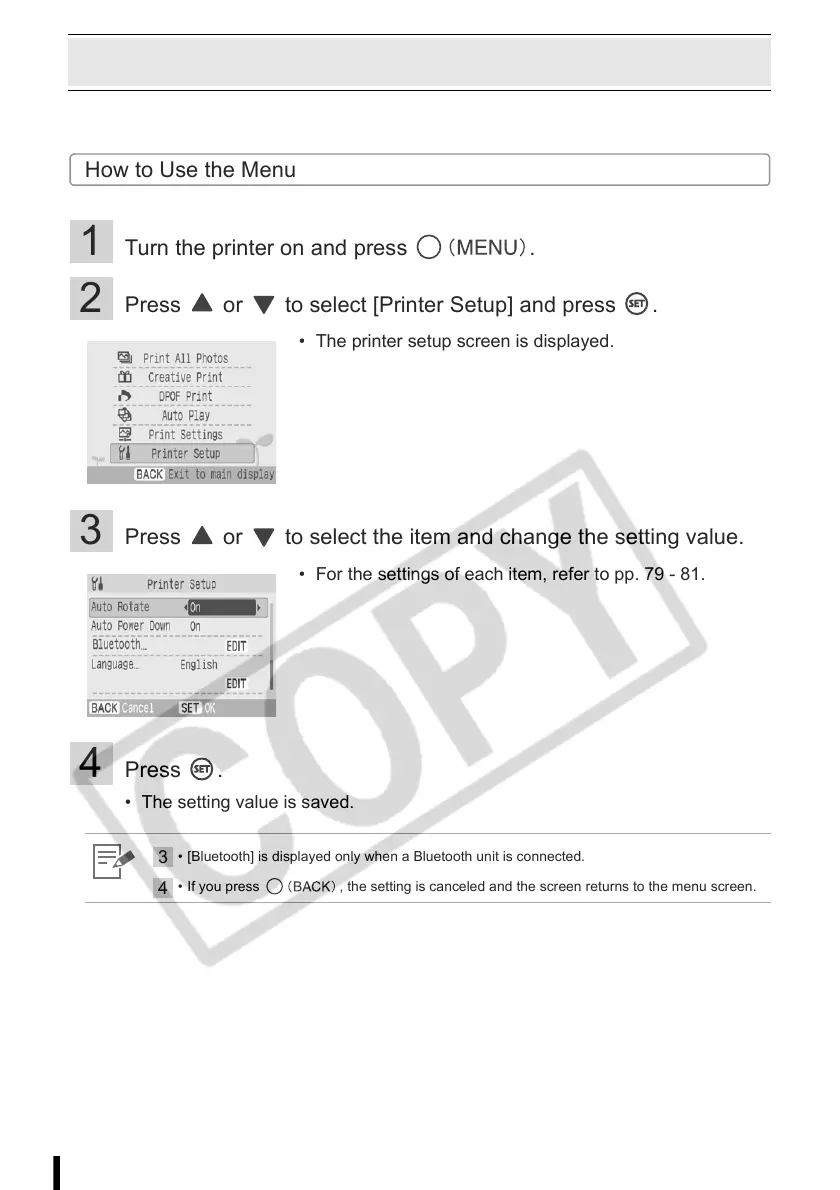
2 Press or to select [Printer Setup] and press .
3 Press or to select the item and change the setting value.
4 Press .
• The setting value is saved.
• The printer setup screen is displayed.
• For the settings of each item, refer to pp. 79 - 81.
3
• [Bluetooth] is displayed only when a Bluetooth unit is connected.
4
• If you press , the setting is canceled and the screen returns to the menu screen.














 To Next Page