Making Printer Settings
80
Appendix
1 Press to select [Printer Setup].
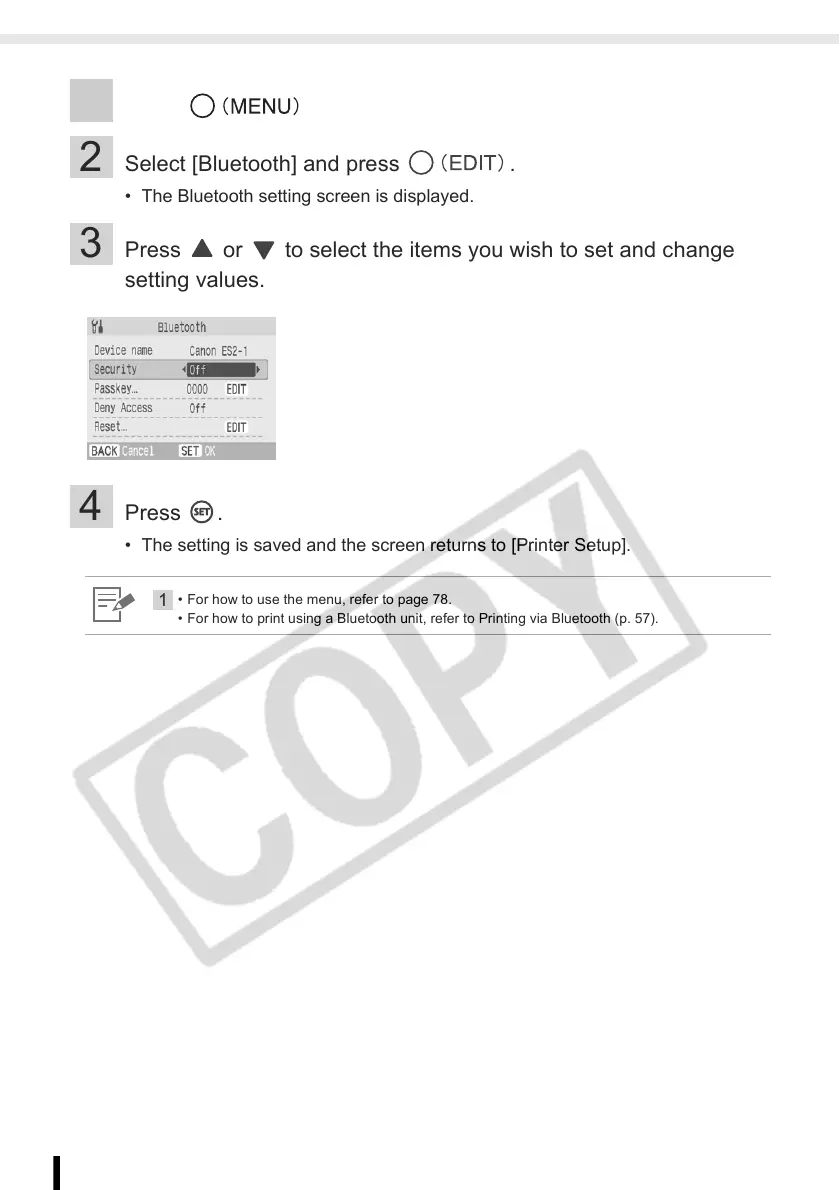
2 Select [Bluetooth] and press .
• The Bluetooth setting screen is displayed.
3 Press or to select the items you wish to set and change
setting values.
4 Press .
• The setting is saved and the screen returns to [Printer Setup].
1
• For how to use the menu, refer to page 78.
• For how to print using a Bluetooth unit, refer to Printing via Bluetooth (p. 57).














 To Next Page