57
Printing from a Mobile Phone (Wireless Printing)
Printing via Bluetooth
By installing Bluetooth Unit BU-20 (sold separately) on the printer you can print images by
transmitting data from a Bluetooth-enabled mobile phone.
z The mobile phone must have the following features.
• Built-in Bluetooth and profiles compatible with OPP (Object Push Profile) or BIP (Basic
Imaging Profile). For details on compatible profiles, refer to the user manual of the mobile
phone.
• A built-in camera capable of recording and saving JPEG images.
1 Check that no memory cards are inserted in the printer, and that no
camera is connected to the printer via USB cable.
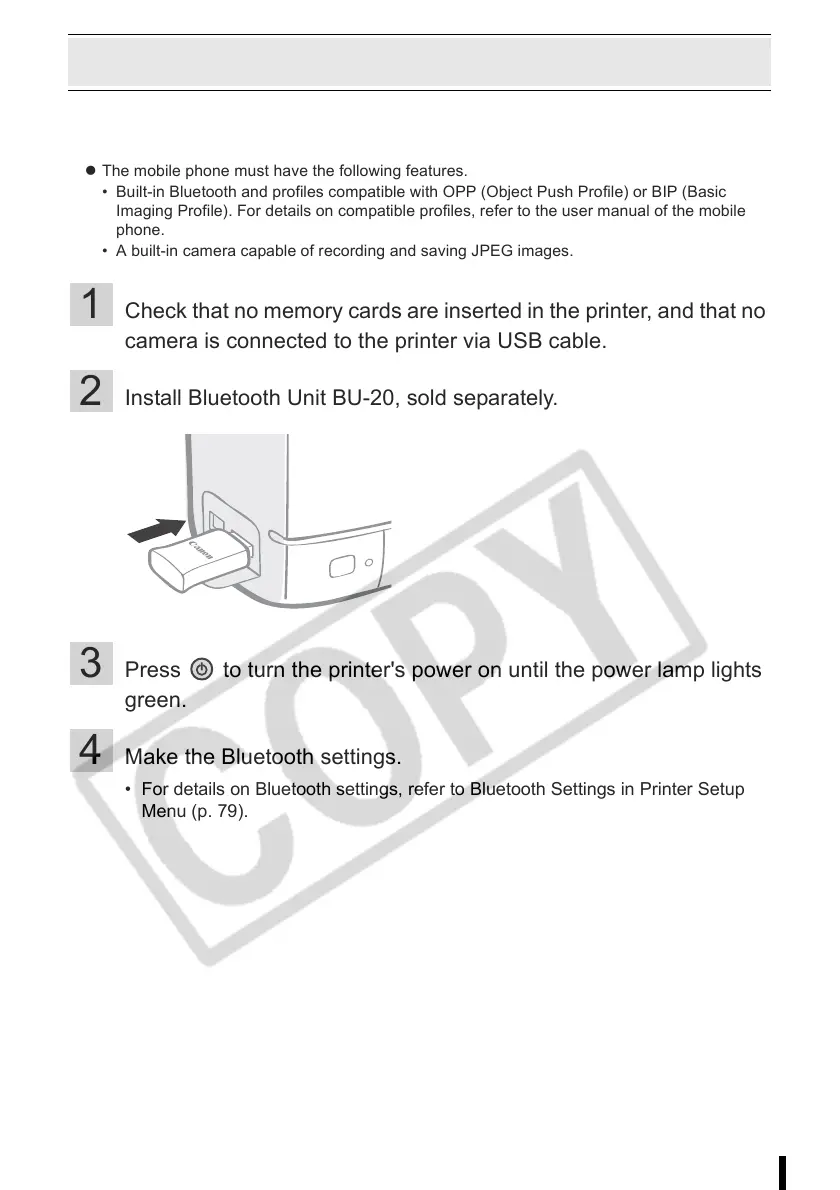
2 Install Bluetooth Unit BU-20, sold separately.
3 Press to turn the printer's power on until the power lamp lights
green.
4 Make the Bluetooth settings.
• For details on Bluetooth settings, refer to Bluetooth Settings in Printer Setup
Menu (p. 79).














 To Next Page