28
Printing from Memory Cards
Print All Photos
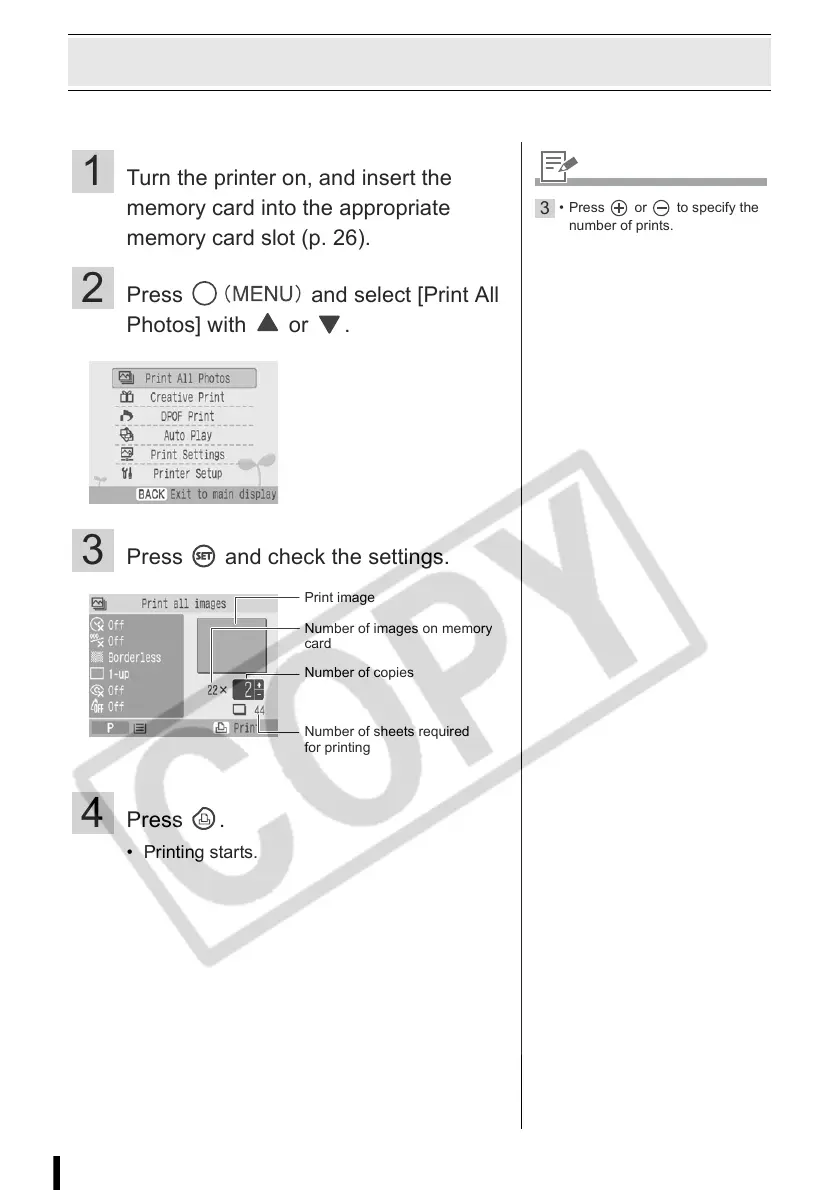
Print all the images on the memory card.
1 Turn the printer on, and insert the
memory card into the appropriate
memory card slot (p. 26).
2 Press and select [Print All
Photos] with or .
3 Press and check the settings.
4 Press .
• Printing starts.
Print image
Number of sheets required
for printing
Number of copies
Number of images on memory
card
3
• Press or to specify the
number of prints.














 To Next Page