Installing the Printer Driver and Software
63
Printing from a PC
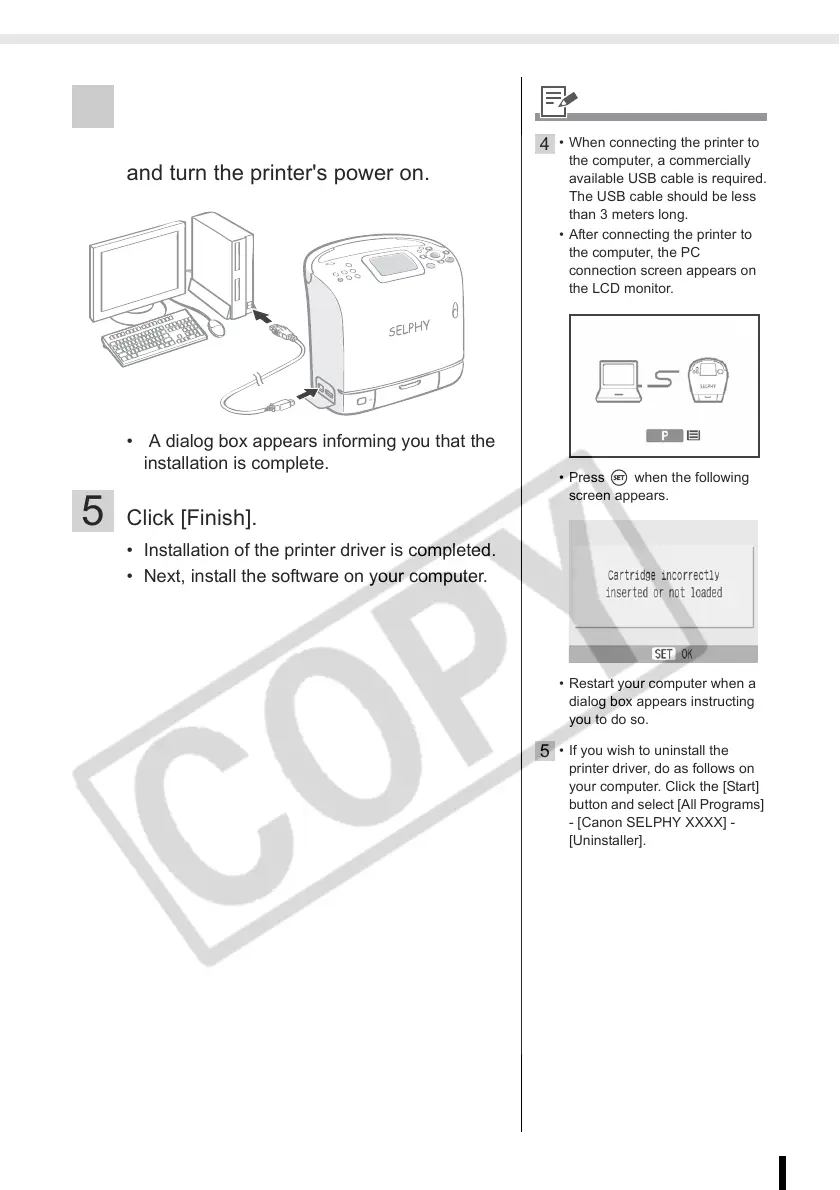
4 Connect the printer to the computer
following the instructions on the screen
and turn the printer's power on.
• A dialog box appears informing you that the
installation is complete.
5 Click [Finish].
• Installation of the printer driver is completed.
• Next, install the software on your computer.
4
• When connecting the printer to
the computer, a commercially
available USB cable is required.
The USB cable should be less
than 3 meters long.
• After connecting the printer to
the computer, the PC
connection screen appears on
the LCD monitor.
• Press when the following
screen appears.
• Restart your computer when a
dialog box appears instructing
you to do so.
5
• If you wish to uninstall the
printer driver, do as follows on
your computer. Click the [Start]
button and select [All Programs]
- [Canon SELPHY XXXX] -
[Uninstaller].














 To Next Page