Print Settings
50
Printing from Memory Cards
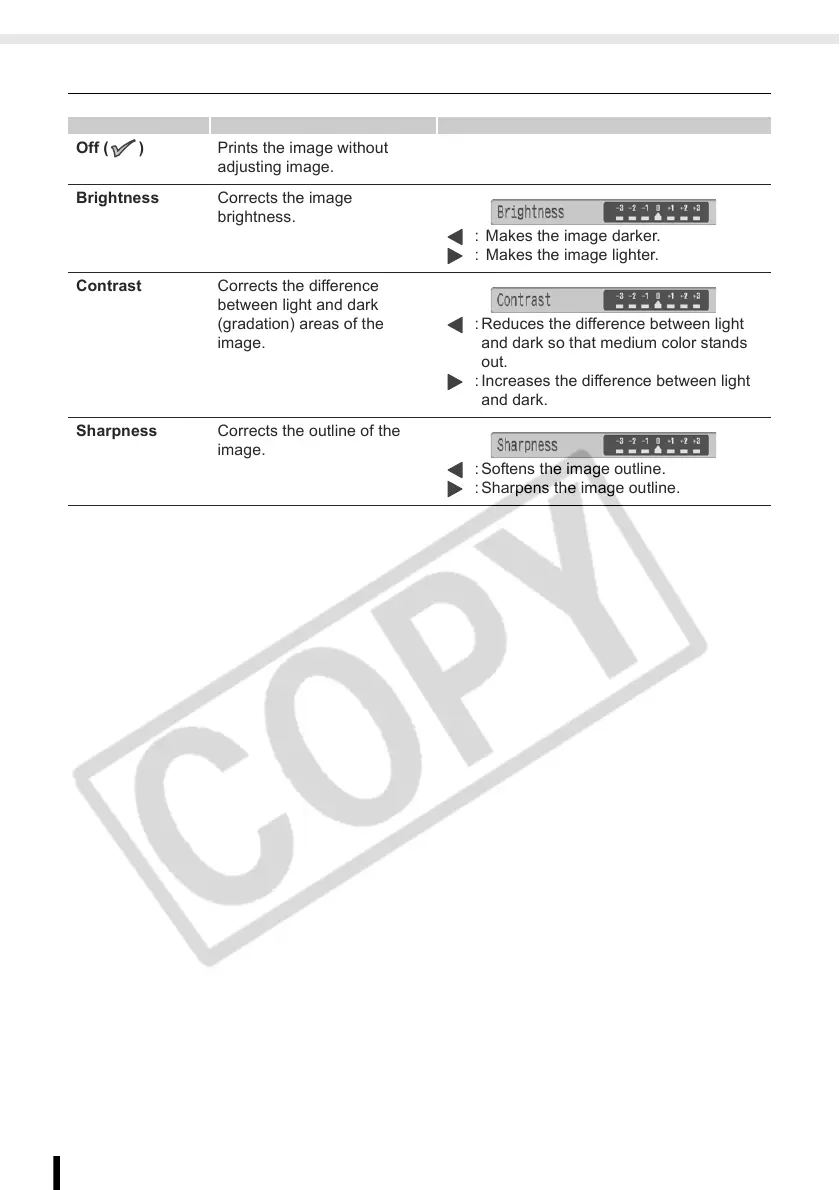
Adjust Image
Off ( ) Prints the image without
adjusting image.
Brightness Corrects the image
brightness.
: Makes the image darker.
: Makes the image lighter.
Contrast Corrects the difference
between light and dark
(gradation) areas of the
image.
: Reduces the difference between light
and dark so that medium color stands
out.
: Increases the difference between light
and dark.
Sharpness Corrects the outline of the
image.
: Softens the image outline.
: Sharpens the image outline.














 To Next Page