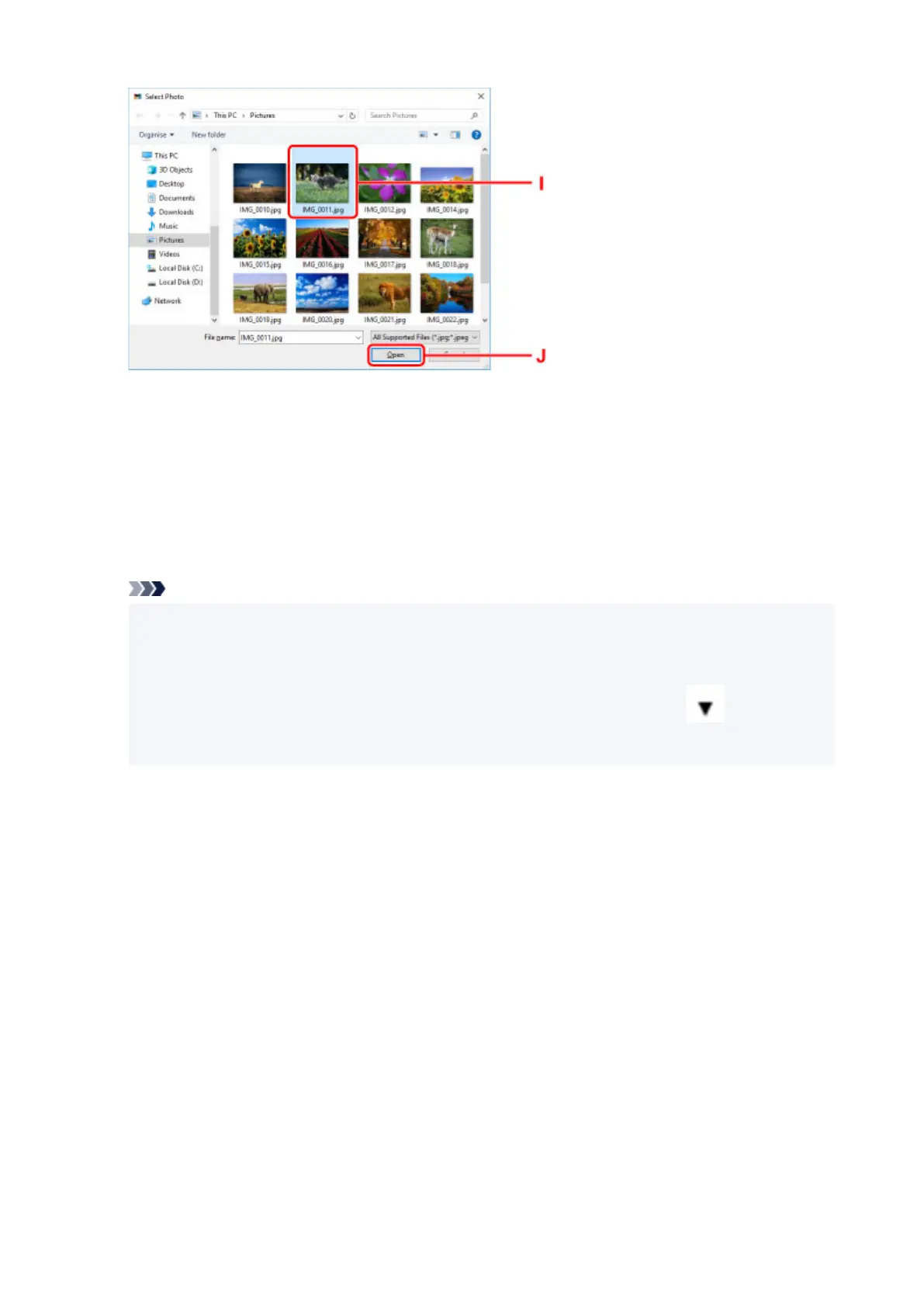
15.
Specify number of copies and other options under Print Settings (K).
For Windows:
Specify the number of copies, your model name, the paper size, and other options.
For macOS:
Specify the number of copies, the paper size, and other options.
Note
• Selecting Same No. of each photo enables you to specify the number of copies for all photos
with a single setting.
• Selecting Same No. of each photo disables the number-of-copies setting specified for each
photo. When unchecked, the previous settings for each copy are re-enabled. for specifying
the number of copies is also re-enabled.
16.
Start printing.
For Windows:
Click Print (L).
For macOS:
Click Next. When the Print dialog appears, specify your model name, paper, and other options, and then
click Print.
32












 To Next Page