1-17
Detailed Settings
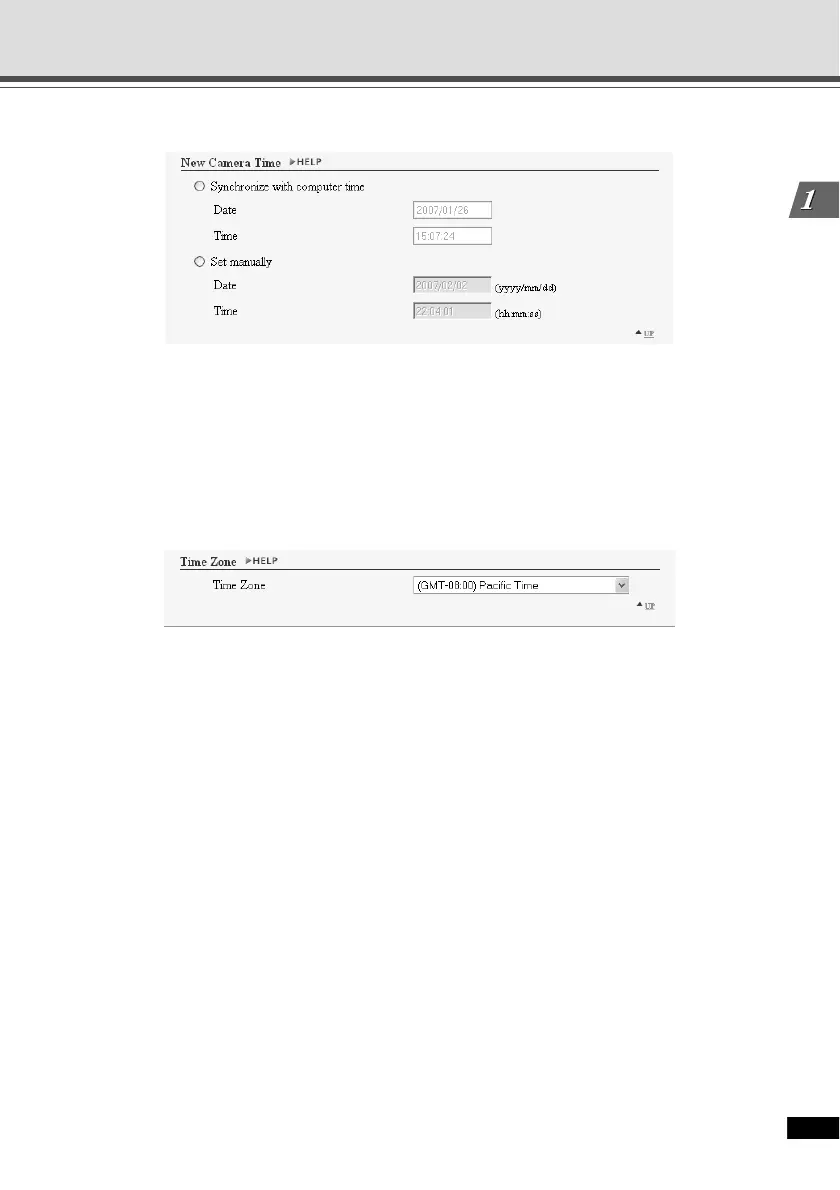
▼ New Camera Time
1 Synchronize with computer time
Synchronize the camera date and time with those of the PC currently accessing the camera.
2 Set manually
Set the date and time manually. Specify the date in “yyyy/mm/dd” format and time in “hh:mm:ss”
in the 24-hour format.
Example: For 1:23:04 P.M, January 23 2007, enter 2007/01/23 and 13:23:04.
▼ Time Zone
1 Time Zone
Select the time difference with Greenwich Mean Time from the list.
1
2
1
Setting the Date and Time (Date and Time)





 To Next Page