2-8
Reconnecting
Reconnections are made when a connection with the VB-C300 has been cut.
○○○○○○
To Reconnect...
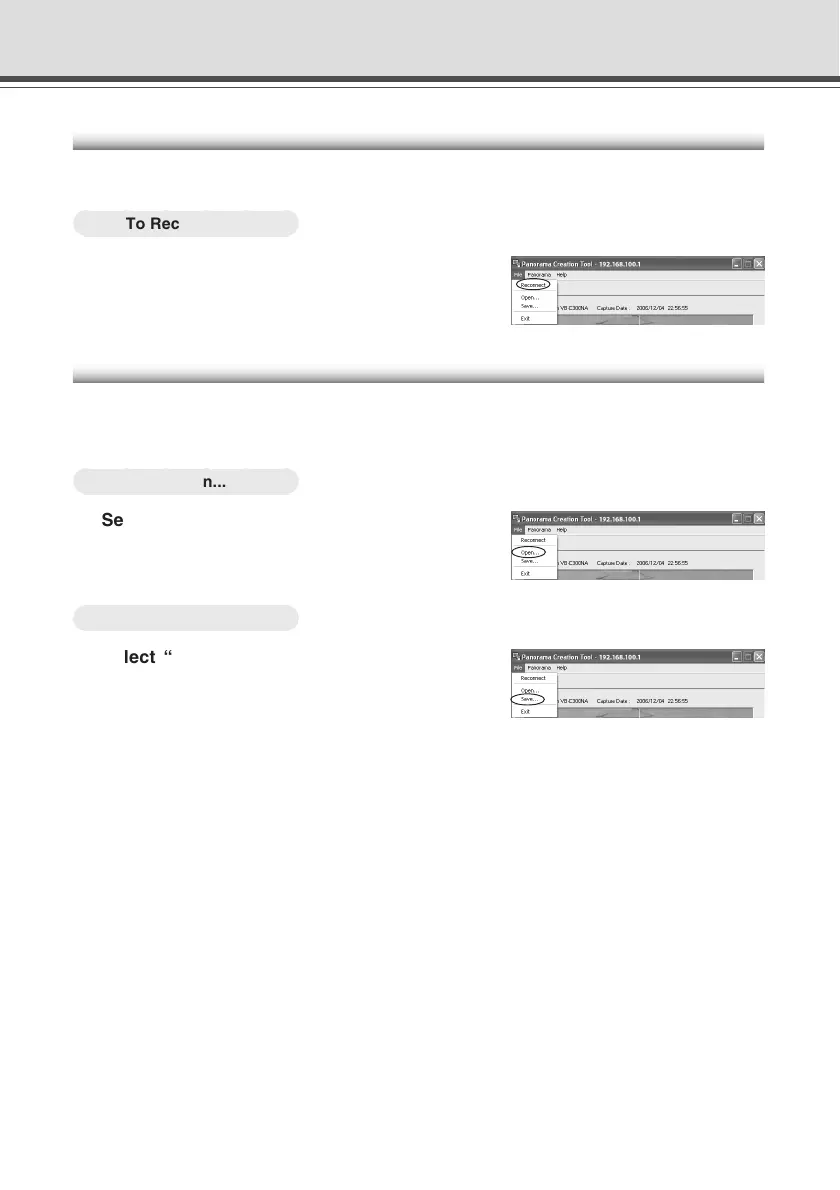
Choose “Reconnect” from the File menu bar.
Opening/Saving Panorama Image from/to Image File
You can open an image file as a panorama image, or save a panorama image as an image file.
Only JPEG format images created by the Panorama Creation Tool can be used.
○○○○○○
To Open...
Select “Open” from the File menu bar and
select the desired image file in the displayed
dialog.
○○○○○○
To Save...
Select “Save” from the File menu bar and
select a folder to save the image, then enter
its file name.
Panorama Creation Tool




 To Next Page