2-7
VBAdmin Tools
Registering/Deleting Panorama Image
○○○○○○
To “Resister” the Panorama Image ...
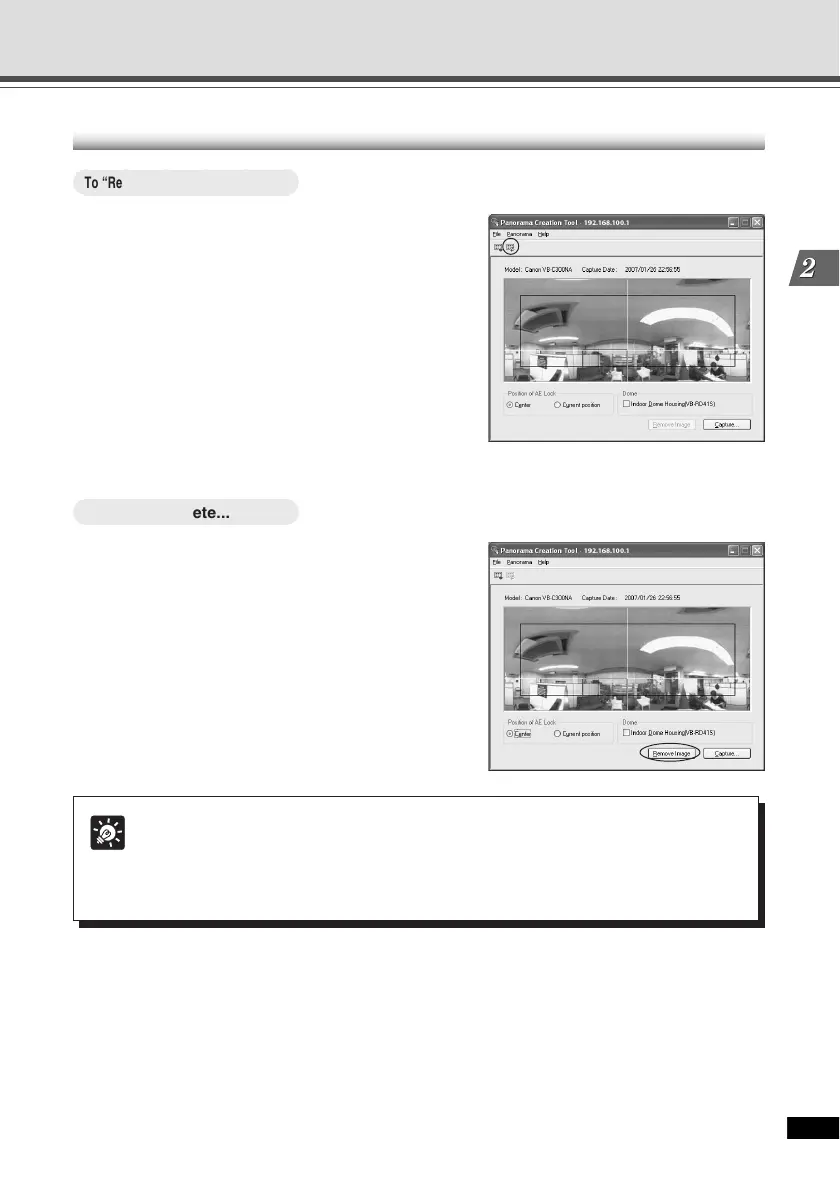
Click “Resister Panorama Image”.
The panorama image is registered.
○○○○○○
To Delete...
Click “Remove Image” and then click
“Resister Panorama Image”.
The panorama image registered in the VB-C300
is deleted.
Panorama Creation Tool
Tip
After registering the panorama image, the VB-C300 automatically reboots and
disconnects from the VBAdmin Tools. A dialog box asking whether or not to reconnect
to the VB-C300 appears after the VB-C300 restarts. Click “OK” to reconnect to the
camera.





 To Next Page