3-13
NC Viewer and Viewer Switcher
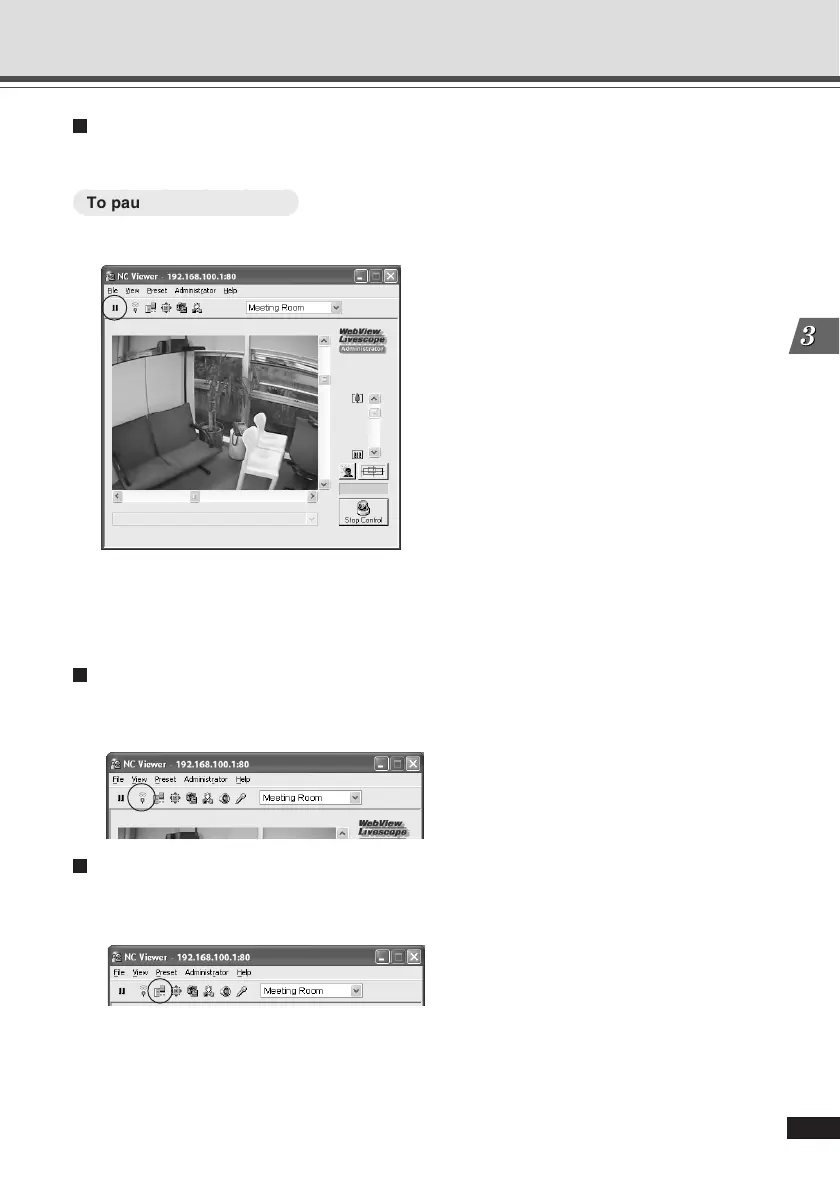
Pausing and Resuming Video
You can pause and resume video playback.
○○○○○○
To pause/resume video ...
1. To pause video, click “Pause/Resume”.
Alternatively, you can right-click the video screen to display the context menu and select
“Pause Picture Display” to pause the playback.
2. Click “Pause/Resume” to resume the playback.
Displaying External Device Input status (Administrator Only)
Click “External Device Input” to display the external device input status and save any changes as
logs. Only the administrator can use this function (→ P.3-3, 3-27).
Operating External Device Output (Administrator Only)
Click “External Device Output” to turn On or Off the external device output. Only the administrator
can use this function (→ P.3-3, 3-27).
Overview of NC Viewer Operation





 To Next Page