3-35
NC Viewer and Viewer Switcher
Using Viewer Switcher
Note
● The camera must be registered in the camera list (for the VB-C300) or camera site
list (for other cameras) corresponding to the viewer to be used (→P.3-22).
● Switch to the Viewer for PC when you are using a camera other than the VB-C300.
Use the Viewer for PC Ver. 3.6 or later.
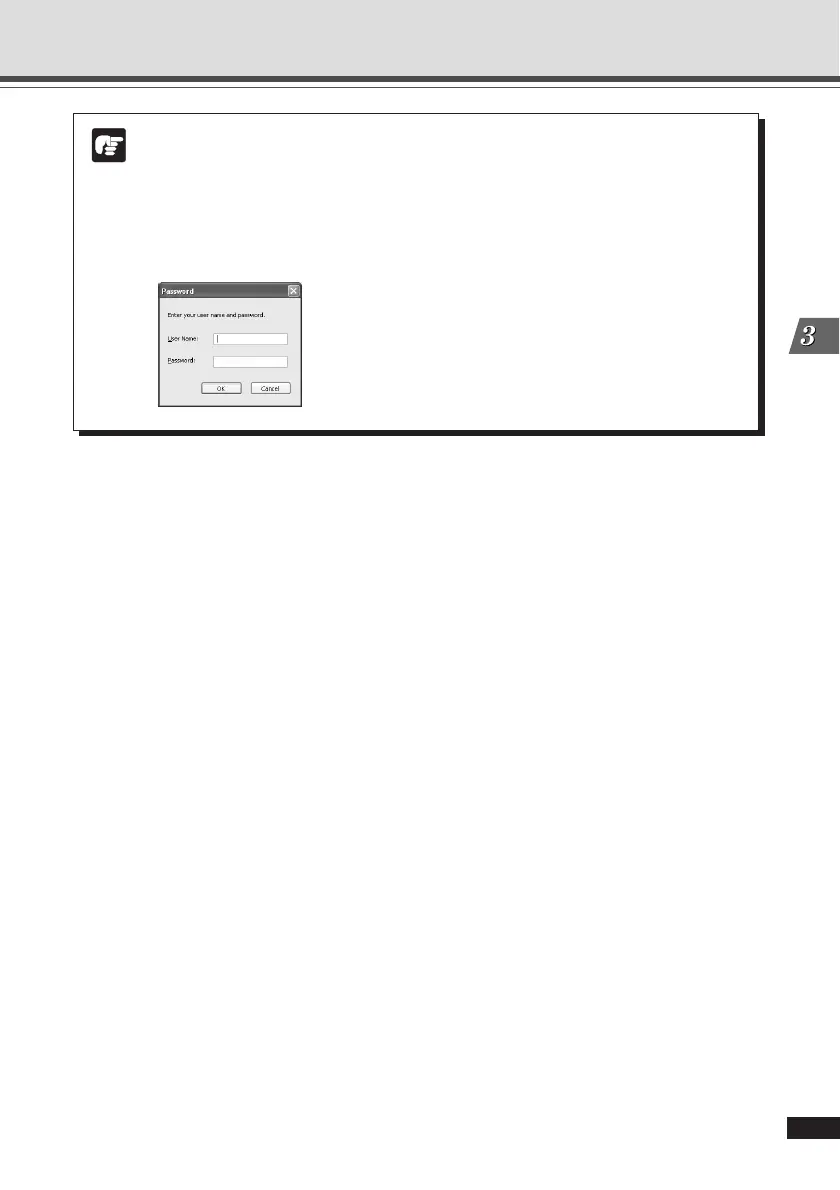
● When the NC Viewer launches, the Password dialog may open. Enter the correct
user name and password to connect to the camera.





 To Next Page