Camera Software
17
1
Before Use
RM-Lite (See the “Administrator Manual”)
The installer (RMLiteInstall.exe) can be found in the Applications folder on the Setup CD-ROM.
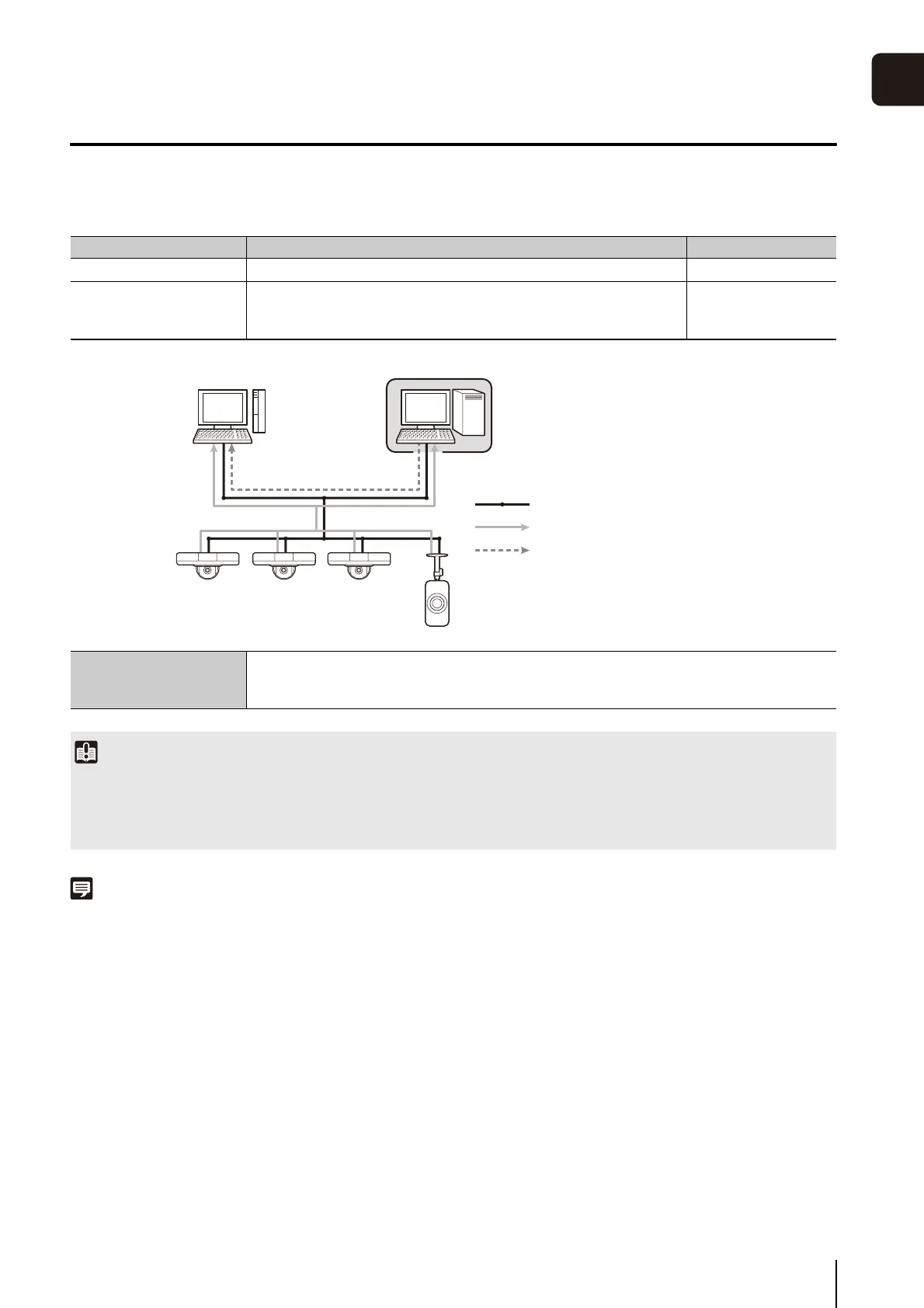
RM-Lite Software Configuration
Note
For details on the usage and functions of RM-Lite, see the “Administrator Manual”.
Type Overview License
RM-Lite Storage Server Up to four cameras can be registered to record video. 1 license
RM-Lite Viewer
Plays recorded video saved in the storage server and displays live
video (JPEG/H.264) captured by the camera.
Up to four cameras can be registered for the viewer.
1 license
Supported cameras
VB-S30D, VB-S31D, VB-S800D, VB-S900F, VB-H41, VB-H610VE, VB-H610D, VB-H710F, VB-
M40, VB-M600VE, VB-M600D, VB-M700F, VB-C60, VB-C500VD/VB-C500D, VB-C300,
VB-C50i/VB-C50iR, VB-C50FSi/VB-C50Fi
Important
• To add the RM-Lite Viewer, purchase RM-Lite-V (sold separately).
• The VB-S30D/VB-S31D/VB-S800D/VB-S900F/VB-H41/VB-H610VE/VB-H610D/VB-H710F/VB-M40/VB-M600VE/VB-M600D/VB-M700F
cannot be used with Network Video Recording Software older than RM-Lite. Users of VK-64/VK-16 must switch to RM-Lite.
For details, visit our website.
RM-Lite Viewer RM-Lite Storage Server
Network
Flow of Video from the Camera
Flow of Recorded Video



 To Next Page