29
2
Initial Settings
Once initial settings are complete, check the video on the
camera with the VB Viewer. When doing so, set the
computer network settings to comply with the IP address
and subnet mask settings on the camera.
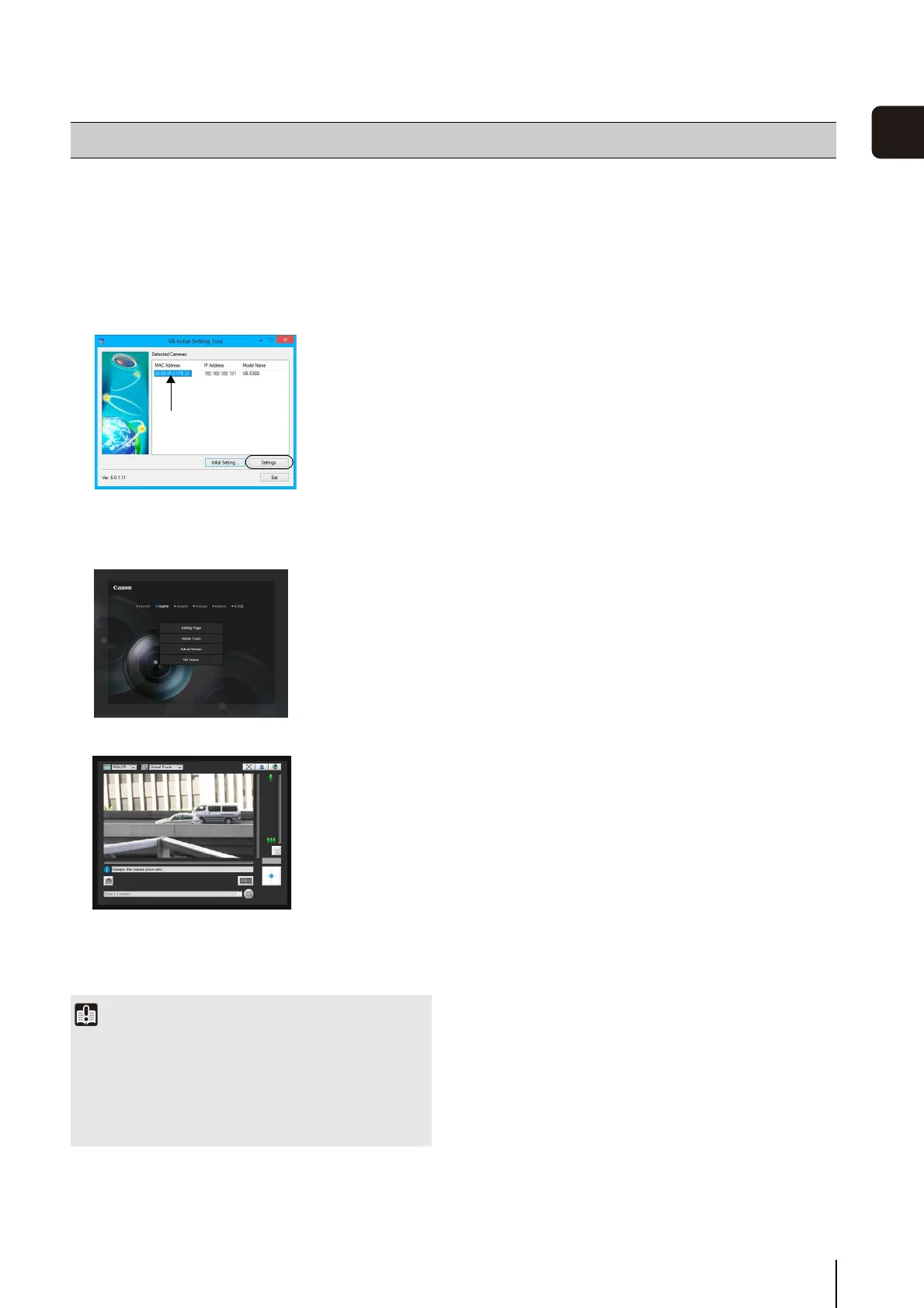
The viewer launches and displays the camera video.
If the top page of the camera does not appear or the
VB Viewer does not launch, see “Troubleshooting”
(p. 144) in “Chapter 7 Appendix”.
Checking the Camera Video
1
Click to select the camera's MAC address which will be
checked, and then click [Settings].
2
This will launch the web browser and display the top
page of the camera. Click [VB Viewer].
Important
• The camera video cannot be checked until the network
settings in the computer are configured for the IP address
and subnet that are set in the camera.
• Do not change the camera HTTP port from 80 if you want to
open the setting page by clicking [Settings]. See “HTTP
Server” (p. 53) for more information on HTTP port settings.
Click to select



 To Next Page