[Server] Setting the Video Server, Audio Server and HTTP Server
53
4
Setting Page
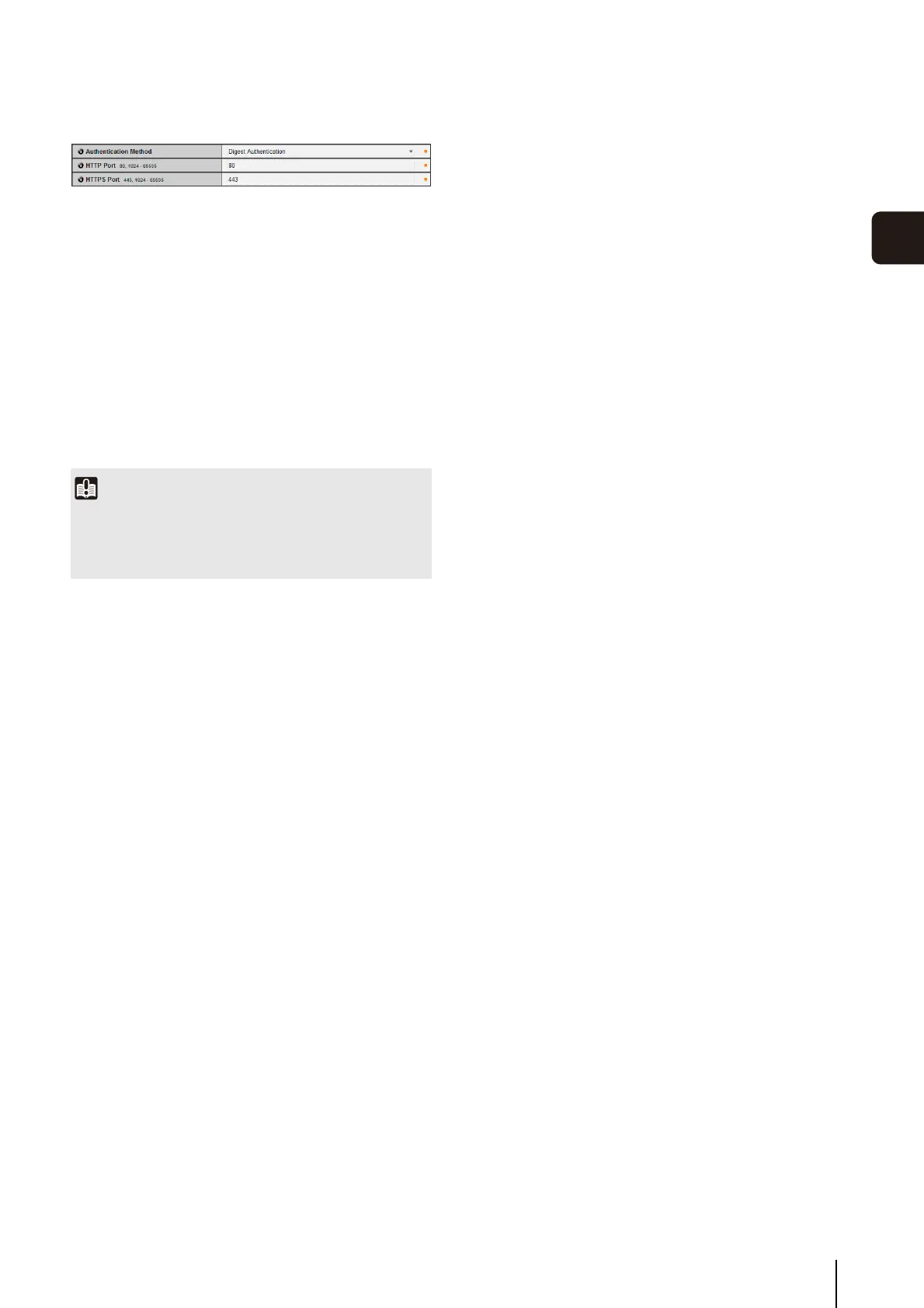
HTTP Server
(1) [Authentication Method]
Set the authentication method used with the HTTP
server to [Basic Authentication] or [Digest
Authentication].
(2) [HTTP Port]
Set the HTTP port number to 80 or in the range of
1024 to 65535.
Normally [80] (factory default setting) is used.
(3) [HTTPS Port]
Set the HTTPS port number to 443 or in the range of
1024 to 65535.
Normally [443] (factory default setting) is used.
Important
If the setting of [HTTP Port] or [HTTPS Port] is changed, the
camera may become inaccessible from the active web
browser. Check beforehand the precautions in “Important” in
“[Reboot Item] Setting Items Requiring Rebooting” (p. 70).



 To Next Page