88
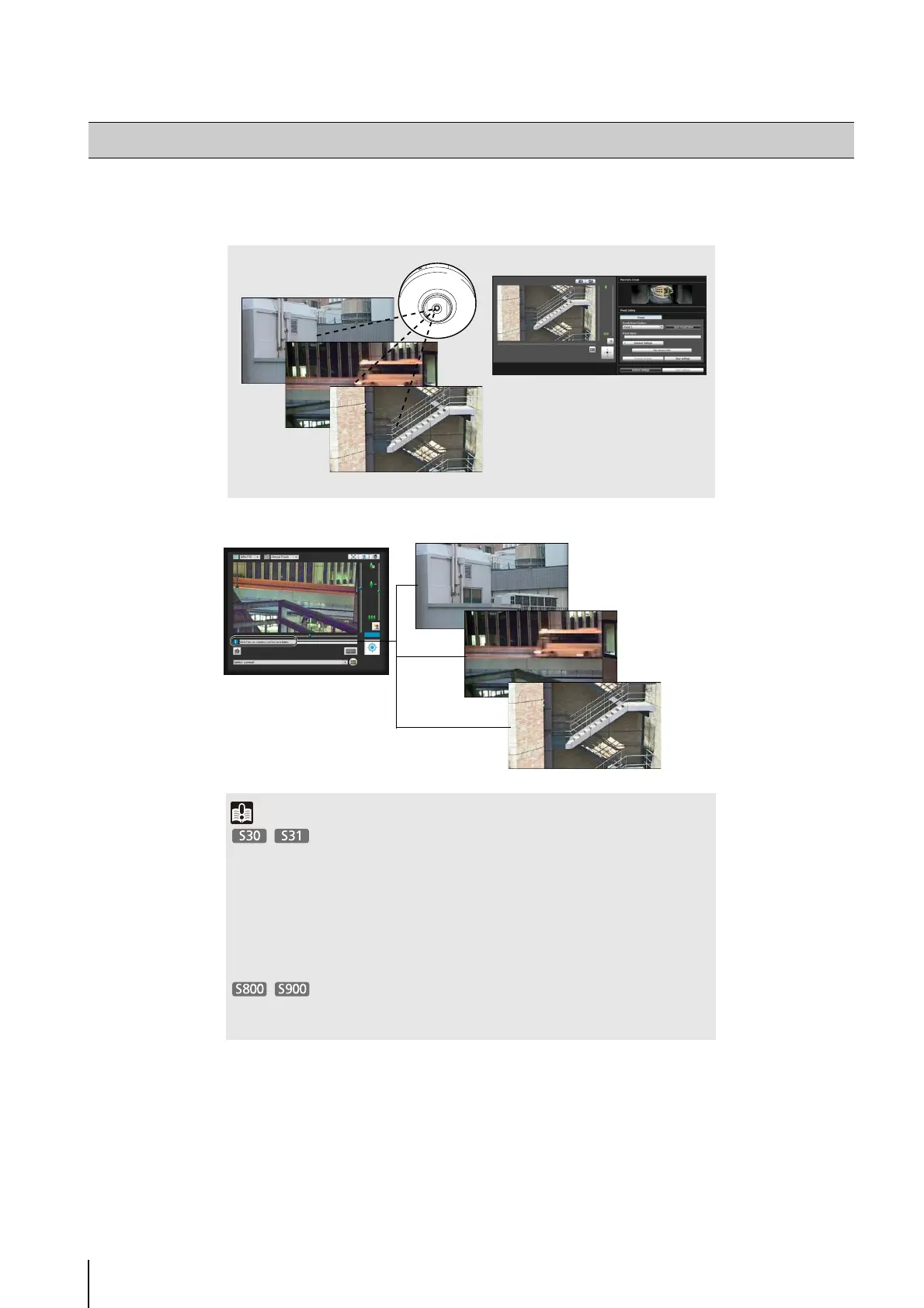
A tool that lets you set presets and the home position. You can set up to 20 presets and the home position while viewing the
preview in the panorama or full video mode.
Preset Setting Tool
Preset Setting Tool
Important
• If you want to use intelligent functions, it is strongly recommended that you use the
Preset Setting Tool to register a preset that corresponds to the camera position of the
area where you want to use intelligent functions.
• The camera angle will be as follows when the camera is rebooted:
Home position registered: Camera angle will move to the home position
Home position not registered: Camera angle will move to the factory default home
position
• Presets that were set with the Preset Setting Tool cannot be used for the settings of
intelligent functions.
Reflecting in the viewer



 To Next Page