44
Note
• Focusing may be difficult for the following types of subjects
when [Focus] is set to [Auto] or [One-shot AF].
Subjects Difficult to Focus On
• After rebooting the camera, it is recommended that you check
whether the camera is focusing correctly.
• The focus ranges (approximate) are shown in the table below.
Camera Control
(1) [Digital Zoom]
Set digital zoom to [Disable] or [Enable].
The higher the digital zoom ratio, the lower the video
quality becomes.
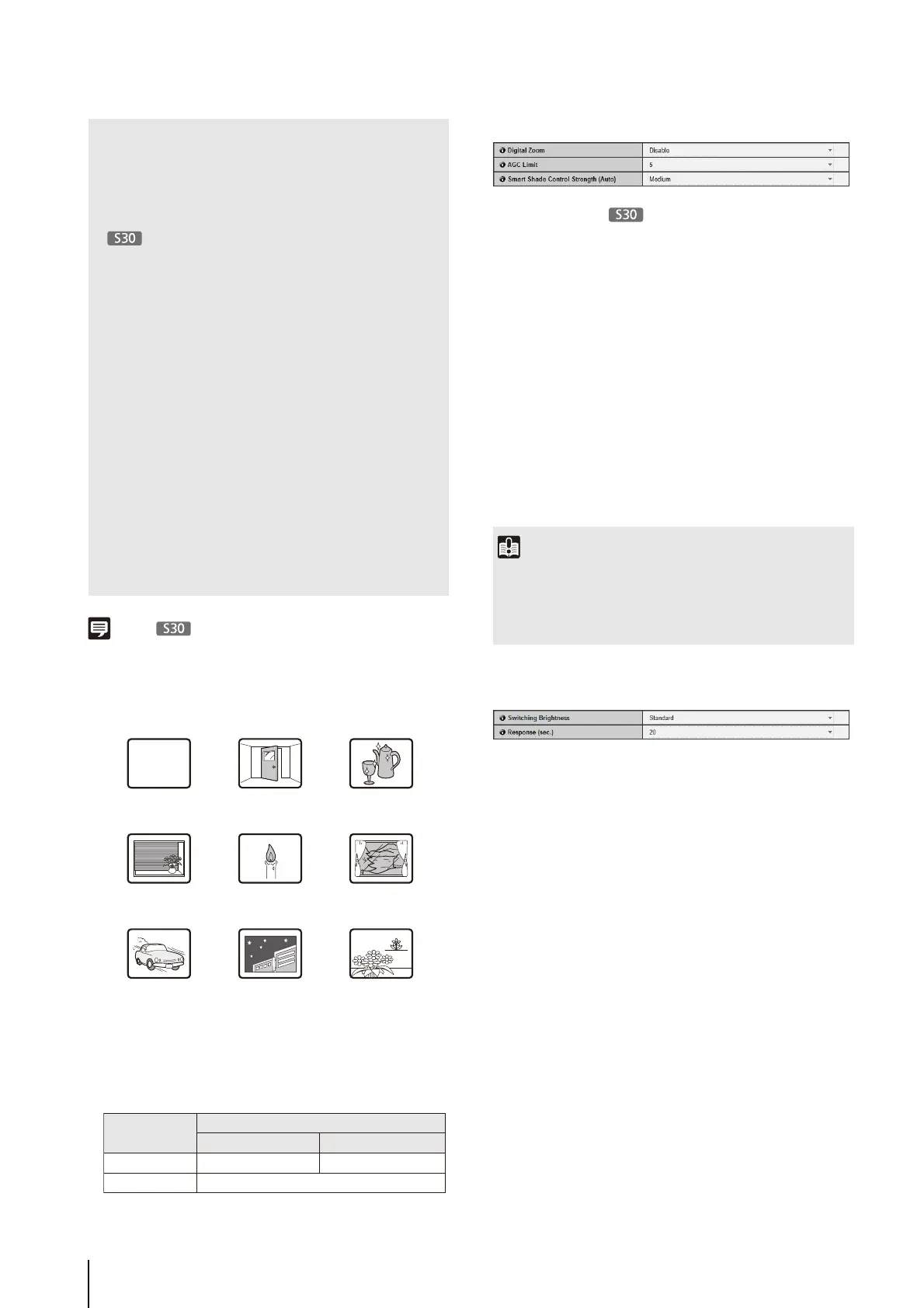
(2) [AGC Limit]
Select one of 5 levels from 1 to 5 to automatically set
the upper gain limit. The greater the value, the higher
the sensitivity becomes. If you do not want to use the
automatic gain adjustment, select [OFF]. Setting the
[AGC Limit] allows you to record dark scenes without
gain adjustment.
(3) [Smart Shade Control Strength (Auto)]
Select [Mild], [Medium], or [Strong] for the control
strength when [Smart Shade Control] (p. 43) is set to
[Auto].
Day/Night (when Auto is set)
(1) [Switching Brightness]
Set the brightness at which Day Mode and Night
Mode will be switched when [Auto] is selected in
[Day/Night]. Select [Darker], [Slightly Darker],
[Standard], [Slightly Brighter] or [Brighter]. Select
[Darker] if you want to capture video in color as much
as possible.
Select [Brighter] to reduce noise. Note that this mode
switches to black & white sooner.
(2) [Response (sec.)]
Set the time in seconds needed for judgment on
switching between Day Mode and Night Mode when
[Auto] is selected in [Day/Night]. Select [60], [30],
[20], [10] or [5].
The mode will switch between Day Mode and Night
Mode if brightness remains above or below the level
set in (1) for the number of seconds specified.
Select [30] or [60] if brightness changes frequently,
such as when a light source passes in front of the
camera. Select [5] or [10] if change in brightness is
minimal.
• Even if [AE Mode] is set to [Auto (Flickerless)], some screen
flicker may still occur under unstable light source conditions.
• Setting a slow shutter speed may make it impossible for
intelligent functions to work correctly. Select a shutter speed
that suits the capture conditions and purpose.
•
In conditions where an outdoor scene is captured
from an indoor location through a glass window, the camera
may focus on the glass surface if there is dust or water there.
Install the camera at the shortest possible distance from the
glass surface.
• If [Auto] is selected for [Day/Night], conduct a thorough
operation test to check the effectiveness of the setting
beforehand.
• If [Auto] is selected for [Day/Night], set [Exposure] of the
Admin Viewer to [Auto], [Auto (Flickerless)] or [Auto (Shutter-
priority AE)] (p. 134).
• Though the camera has an infrared filter, there is no effect on
lighting due to infrared light as the camera does not have an
insertion/removal mechanism for the filter.
• When Day/Night Mode is set to [Manual], in addition to the
Day/Night function of the Admin Viewer (p. 135), it is also
possible to switch Day/Night Mode via settings in [Setting
Page] > [Event] > [External Device Input] (p. 55) or [Event] >
[Timer] (p. 56).
A white wall or other
subject lacking
bright/dark contrast
A slanting
subject
A subject
reflecting
strong light
A subject consisting
of only slanted lines
or horizontal stripes
A subject having
no form, such as
flame or smoke
A subject seen
through glass
A fast moving
subject
A dark area or
night view
Subjects both
near and far
Focus Mode
Fixed at infinity
Auto
Day Mode/Night Mode
0.3 m (12 in.) – infinity 0.3 m (12 in.) – infinity
Max. Wide-angle Max. Telephoto
Focused at infinity
Important
• [AGC Limit] is disabled when [Exposure] is set to [Manual] or
[Auto (Flickerless)] in the Admin Viewer.
• Minimum subject illumination may change when [AGC Limit]
is set.



 To Next Page