Privacy Mask Setting Tool
79
5
Admin Tools
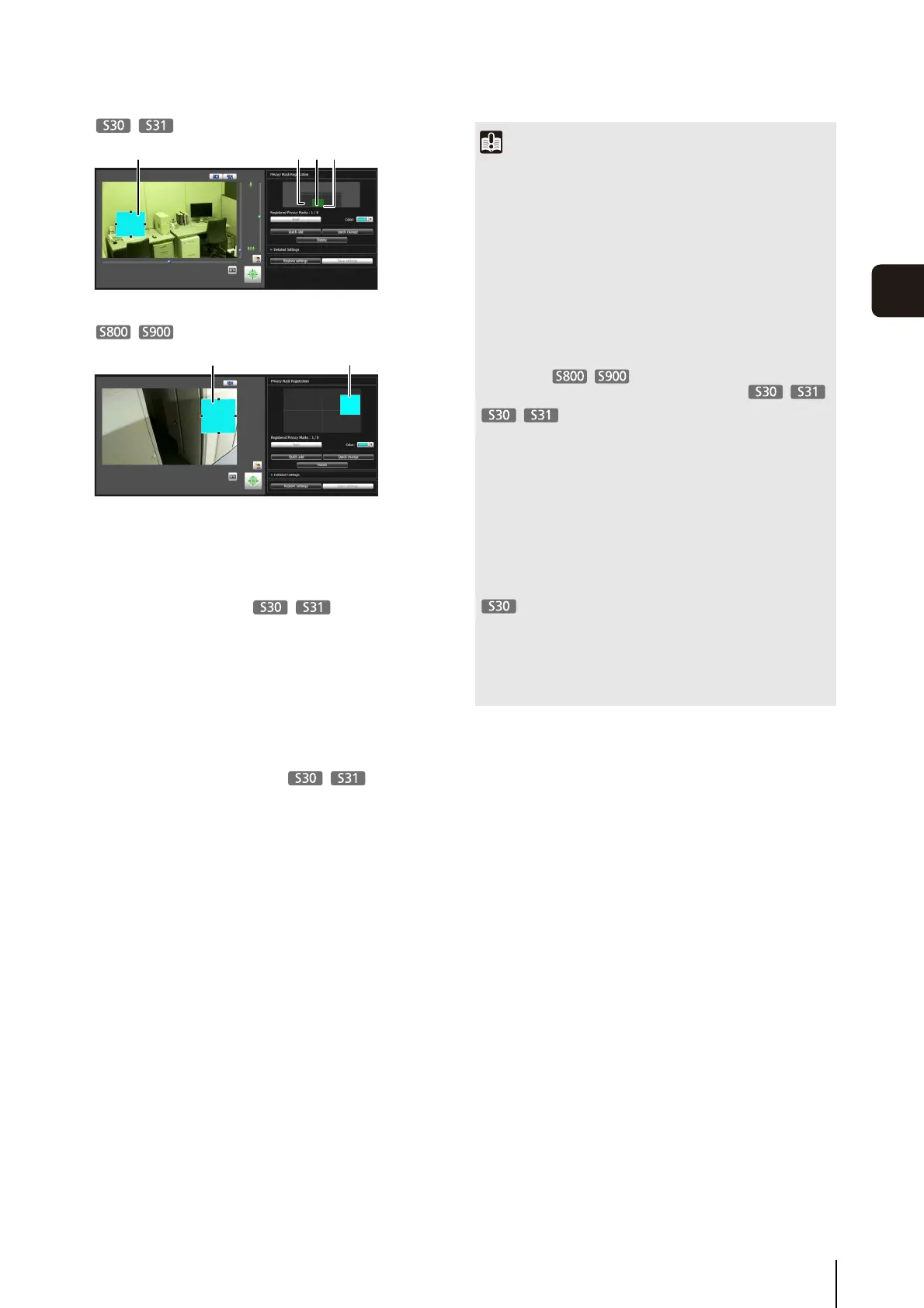
(1) Privacy Mask Area
Enabled privacy mask areas are shown filled with
color. Disabled privacy mask areas are just shown
in a frame.
(2) View Restriction Area
This is the area set with the View Restriction Setting
Tool.
(3) Privacy Mask Area
Privacy masks for which the [Enable privacy mask]
checkbox is selected are shown filled with color.
Privacy masks that are not selected are shown in a
hatched frame.
(4) Maximum Wide-angle Area
This is the visible area when the camera is at
maximum wide-angle. This area is only shown
when a privacy mask area (3) is being dragged.
(1) (2) (3) (4)
(1) (3)
Important
• The privacy mask areas are also part of the intelligent
function detection area. Subject movement may be seen.
• Privacy masks are applied to all video transmitted from the
camera (live video, uploaded video, recorded video, video
recorded to a memory card).
• Check privacy mask settings again if the [Video] > [Video
Size Set] settings on the Setting page have been changed.
• The privacy mask function is not available in the following
situations:
– While the camera is starting up after being turned on
– For the video display area in [Setting Page] > [Camera
Angle]
– While a panorama image is being created
• Set the privacy mask area to a somewhat larger size than the
area you want to hide. Also, be sure to confirm that after
setting a privacy mask, the area you want to hide does not
become visible when the camera direction is altered by pan,
tilt, or zoom operations.
• If the privacy mask settings were changed after a panorama
image was saved using the Panorama Creation Tool, the
panorama image must be recreated using the Panorama
Creation Tool.
• Privacy masks set at a zoom position close to maximum
telephoto may deviate slightly from the specified position.
• You can set privacy masks for optical zoom areas only.
Privacy mask areas cannot be set in digital zoom areas.



 To Next Page