Preparing the Camcorder
28
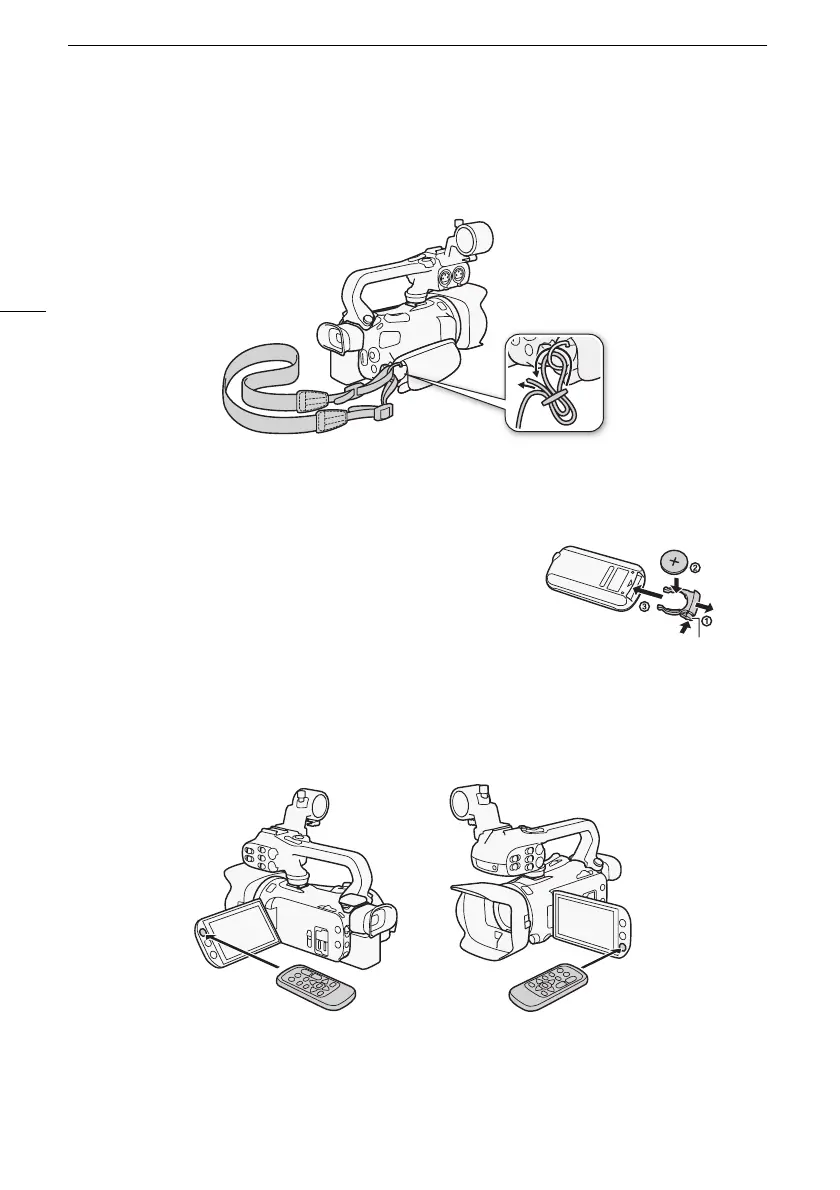
Attaching an optional shoulder strap
Pass the ends of the shoulder strap through the strap mount on the grip belt and adjust the length of
the strap.
Wireless Controller
First, insert the supplied CR2025 lithium button battery into the wireless controller.
1 Press the tab in the direction of the arrow and pull out
the battery holder.
2 Place the lithium button battery with the + side facing
up.
3 Insert the battery holder.
To use the wireless controller
Point the wireless controller at the camcorder’s remote sensor when you press the buttons.
• You can rotate the OLED panel 180 degrees to use the wireless controller from the front of the
camcorder.
Tab



 To Next Page