Onscreen Displays and Data Code
96
Onscreen Displays and Data Code
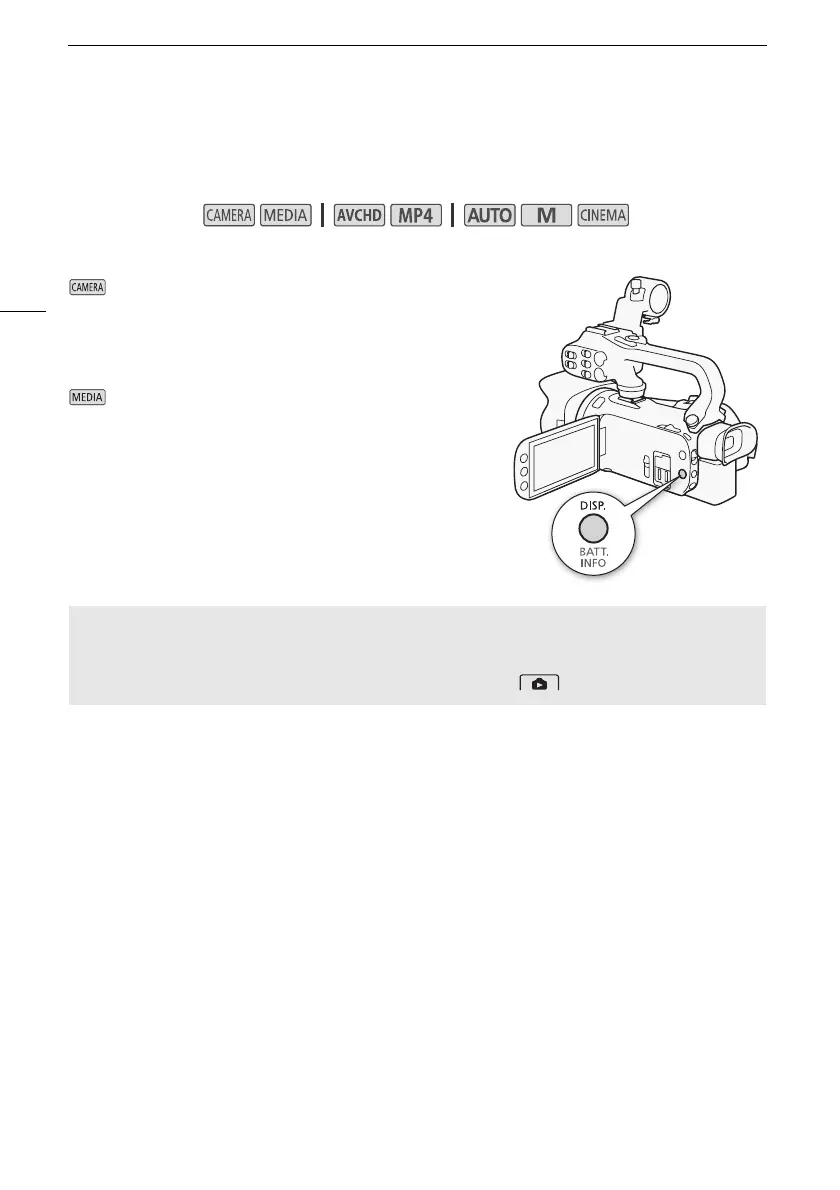
You can turn most onscreen displays on or off.
Repeatedly press D to turn the onscreen displays on/off in the following sequence:
mode:
• All displays on
• Onscreen markers
1
•Displays off
mode
2
:
•Only data code on
• All displays on
1
The onscreen markers will be displayed only when p >
[Onscreen Markers] is set to an option other than [j Off].
2
Pressing D has the same effect as touching the screen. During
single photo view and while playing back a scene, the playback
controls are displayed only momentarily.
Operating modes:
About the Data Code
With every scene or photo recorded, the camcorder keeps a data code (date/time of recording,
information about the camera setup, etc.).
You can select the information to be displayed with the s / > [Data Code] setting.



 To Next Page