7
Enjoying your Recordings on Other Devices
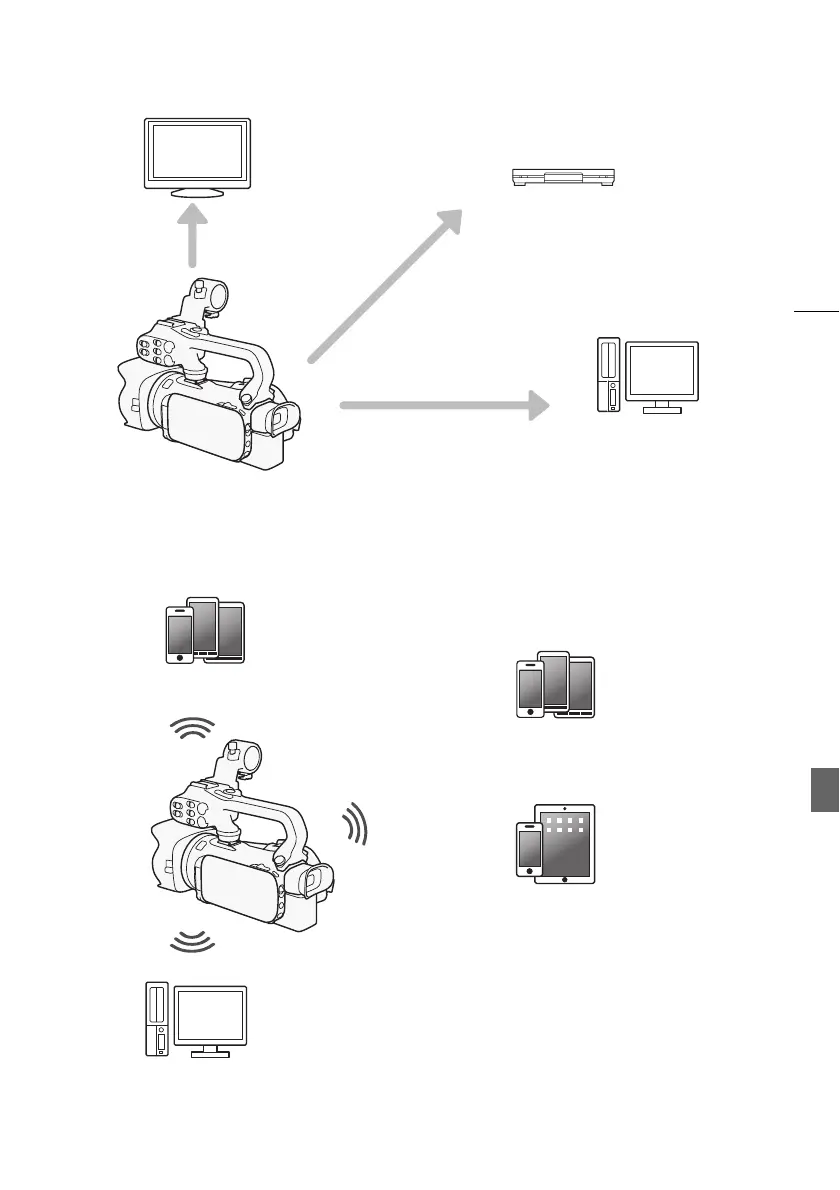
Enjoying Your Recordings Using the Camcorder's Wi-Fi Functions
Connect the camcorder to an
external monitor (A 111).
Copy your recordings to an external
video recorder (A 123).
Save your recordings (A 118).
Use your iOS or Android device to remotely control
the camcorder and view the image on its screen
(A 128).
Use the Web browser on your iOS or Android
device to view the recordings on the
camcorder (A 134).
Connect the camcorder to an access point on a
Wi-Fi network. After doing so, you can save your
recordings on a computer (
A 139) or play back
your recordings using the camcorder as a media
server (
A 138).
Use an iOS device to upload your recordings
to the Internet (A 136).



 To Next Page