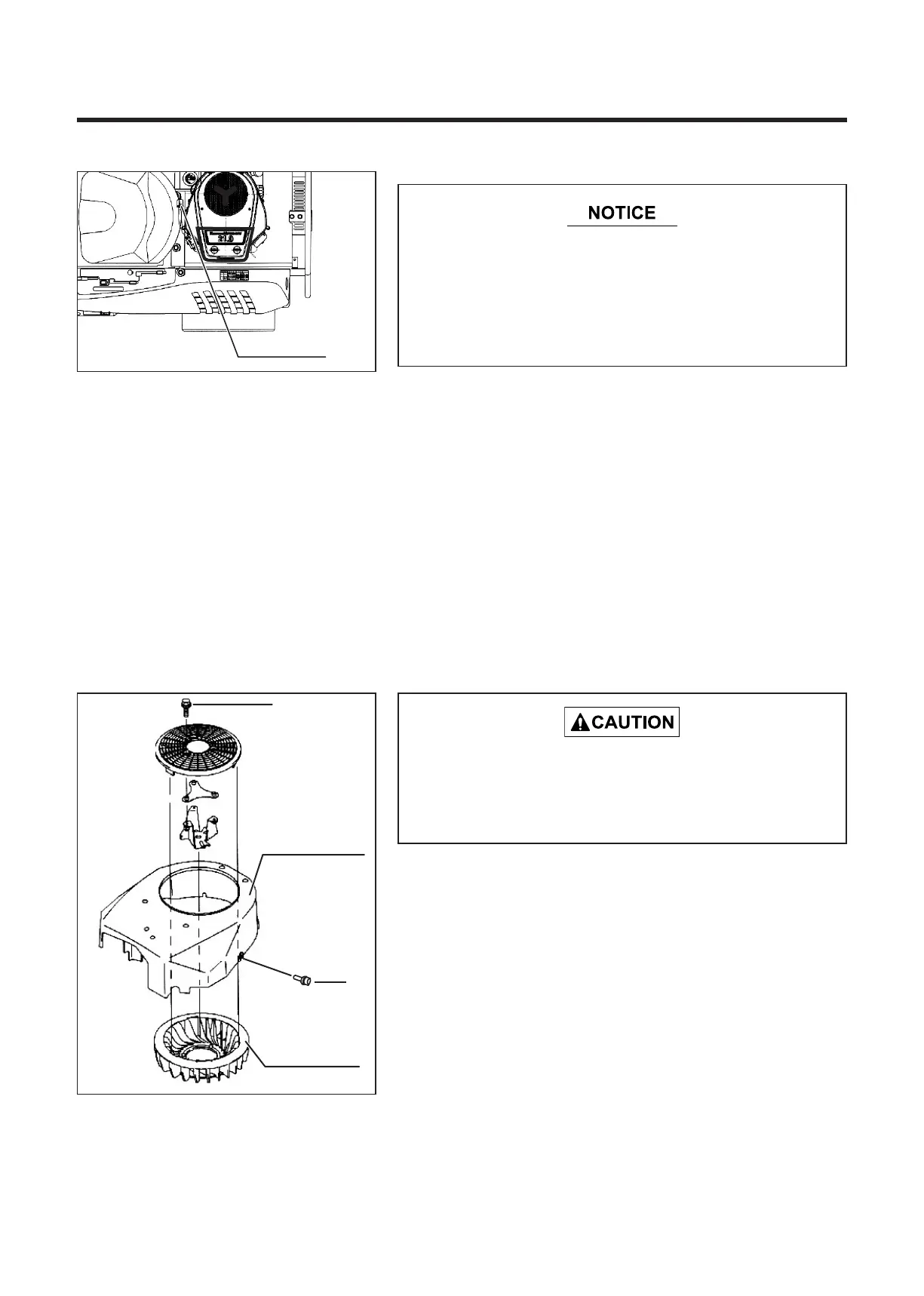
7.7.4 Fan Housing and Cooling Fan
1. Remove the hooks on both sides of the air cleaner cover
and take off the cover.
2. Pull the precleaner out of the cartridge. Clean the
precleaner in soapy water and remove water with a dry
cloth. After cleaning, apply a small amount of clean
engine oil and wipe off any excess oil with a dry cloth.
When the precleaner is very dirty or damaged, replace it.
5310M-0707-070E
5310M-0707-060E
* Always stop the engine before cleaning of the
cooling fan housing and fan.
* Remove the cooling fan housing after the
engine has cooled.
Inspecting Fuel Filter
1. Check the fuel filter color. The normal color of the filter is
light brown.
2. When the fuel filter is severely dirty (black colors), ask a
CHIKUSUI CANYCOM dealer to replace the filter.
7.7.3 Fuel Filter
* A black fuel filter is clogged and may prevent fuel
from reaching engine, causing engine to stop.
* A CHIKUSUI CANYCOM authorized dealer should
replace the fuel filter to reduce risk of fire at fuel
filter-fuel hose joint.


 To Next Page