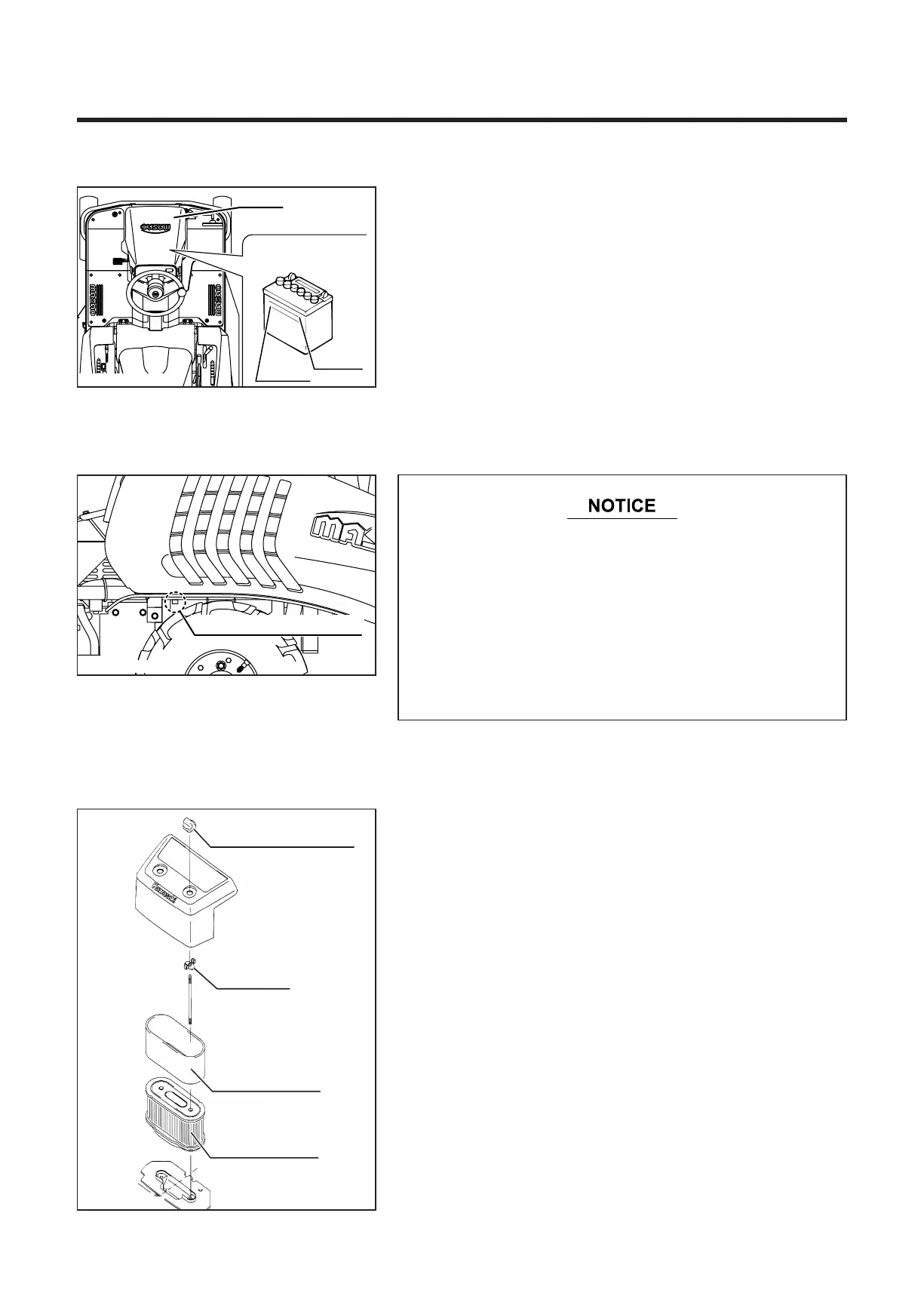
8.2 Battery
5314M-0706-010E
8.3 Engine
5314M-0803-010E
8.3.1 Cleaning Air Cleaner Element
Air cleaner case nut
Wing bolt
Foam element
Paper element
1. Remove the battery from the vehicle. (When storing
vehicle with battery installed, disconnect the negative
cable.)
2. Check the amount of battery fluid and add water when
necessary.
3. Store the battery in a cool and dry area.
Reference:
Completely recharge battery before storage to maintain
battery life.
* Remove all fuel from the carburetor and fuel tank
before storing the vehicle for a long time. Fuel in
the carburetor will deteriorate if left unused for
a long time, causing poor starting or unstable
operation of the engine. Do not use fuel which has
been left unused for a long time.
* Refer to the engine operation manual for more
details about long term storage of the engine.
Remove the air cleaner element and thoroughly clean it.
(See Page 40)
5310M-0707-010E


 To Next Page