Operation
-28-
4
5347M-0402-140E
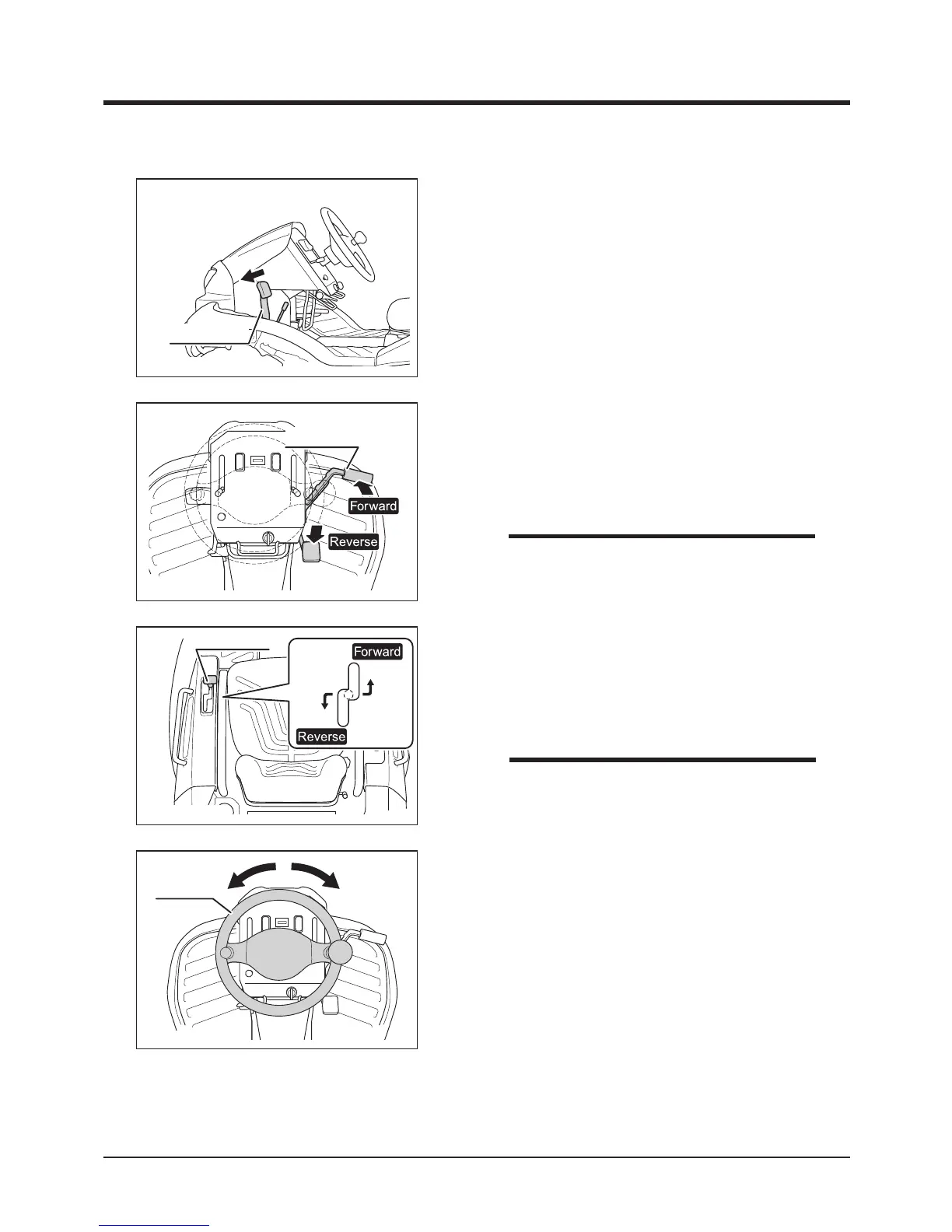
Drive Lever
5. Move drive lever gradually forward or
backward to move in the corresponding
direction.
Driving with Drive Lever
• Speed can be adjusted continunously by the
position of drive lever.
NOTE
5347M-0402-150E
Steering
Wheel
6. Turn steering wheel to turn.
5. Depress gradually the forward or reverse side
of drive pedal to move in the corresponding
direction.
Driving with Drive Pedal
5347M-0402-130E
Drive Pedal
• Speed can be adjusted continunously by the
position of drive pedal.
NOTE
5347M-0402-120E
Brake Pedal
4. Depress brake pedal to release brake pedal
lock.



 To Next Page