-65-
Maintenance 5
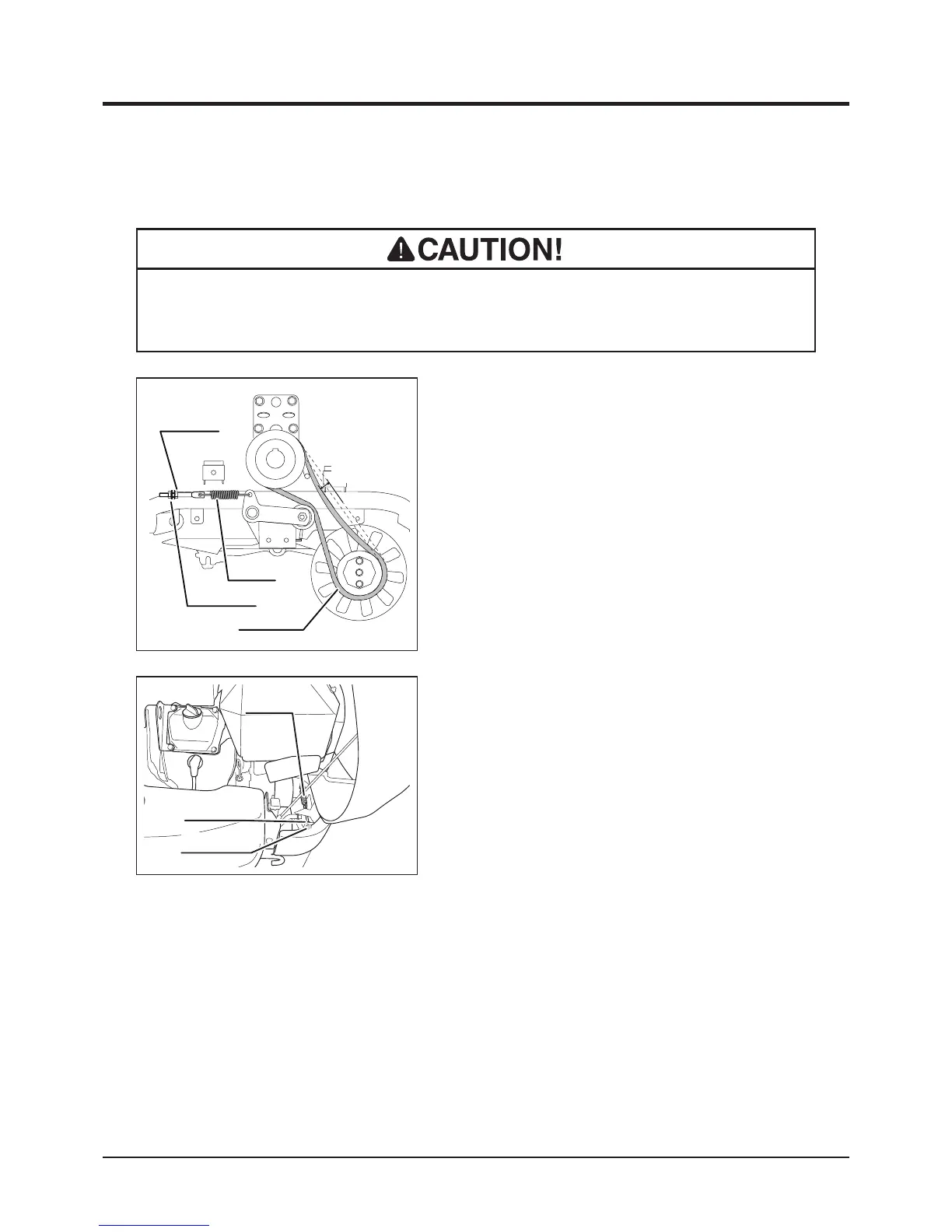
Drive Belt
• Adjust belt tension properly. Inproperly tensioned belt may reduce performance
and its service life.
5347M-0507-080E
A
Adjust Nut
Lock Nut
Drive Belt
Spring
1. Open engine hood.
2. Check V-belt tension. Push V- belt by nger
and check that deection at center point A is
in the range of 10 to 20 mm. If it is out of this
range, adjust with adjust nut.
3. Visually inspect belt. Replace belt if it is
damaged. For replacement, contact your
CANYCOM representative.
4. Close engine hood.
5332M-0507-110E
Adjust Nut
Lock Nut
Spring



 To Next Page