Maintenance
-50-
5
Removing and Installing Body Panels
• Cut or pinch hazard exists when removing or installing body panels; beware of
sharp edges and pinch points.
• Make certain to reinstall panels after removing for repairs or inspection.
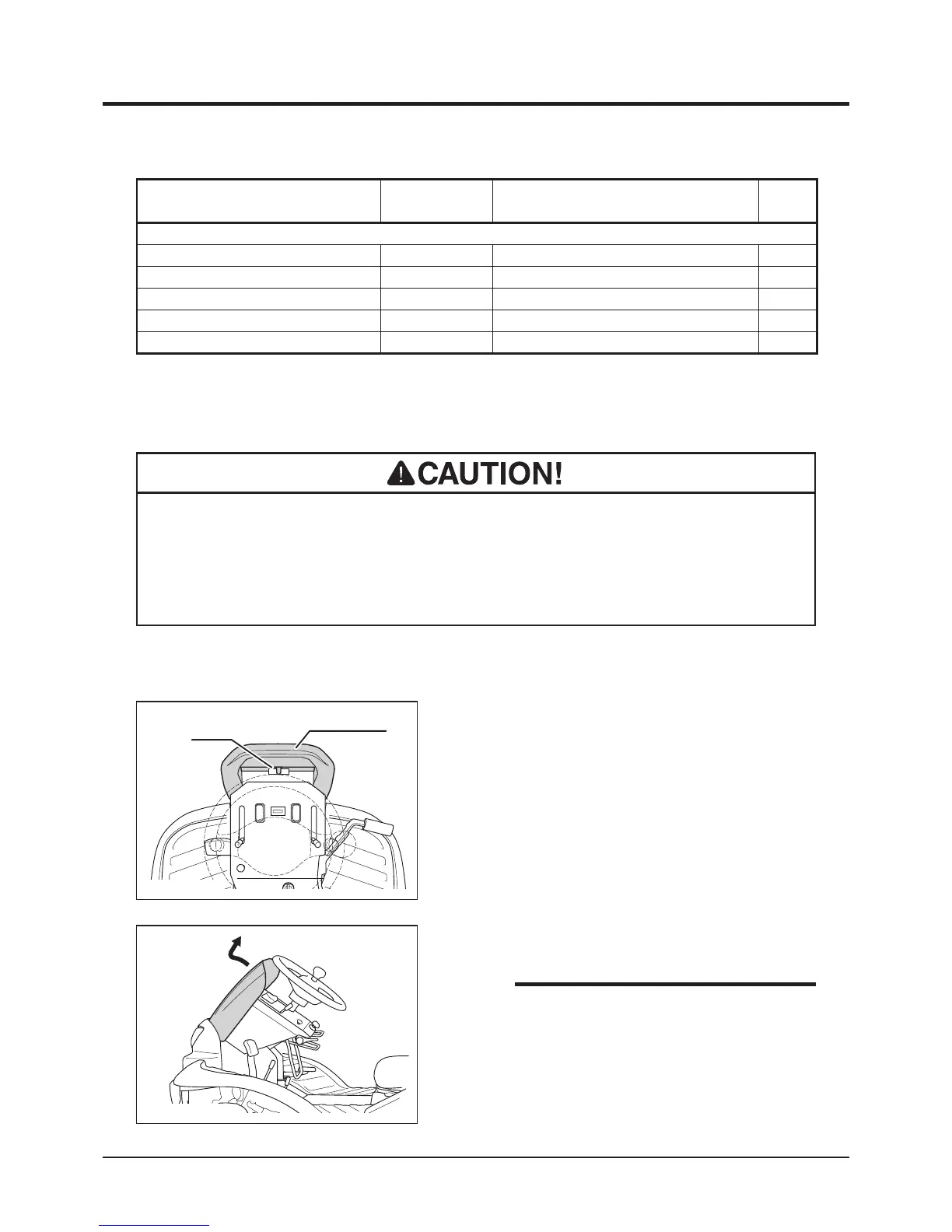
Front Cover
5347M-0401-040E
Latch
Front Cover
1. Pull top side of front cover to unlock latch.
5347M-0401-110E
2. Pull up front cover.
• Tool box is provided under the front cover.
Use this tool box to store tools or substitute
cutting blades.
NOTE
Item Part No. Schedule Qty.
Electrical System
Battery 37053901000
Replace if defective.
1
Fuse, 30A (Green, Main)
09801003002
Replace if defective.
1
Fuse 10A (Red, Lights) 09801001002
Replace if defective.
1
Light Bulb (Head Lamp) 53320203100
Replace if defective.
1
Light Bulb (Tail Lamp)
*1
09808121502
Replace if defective.
1



 To Next Page