-15-
Operation 4
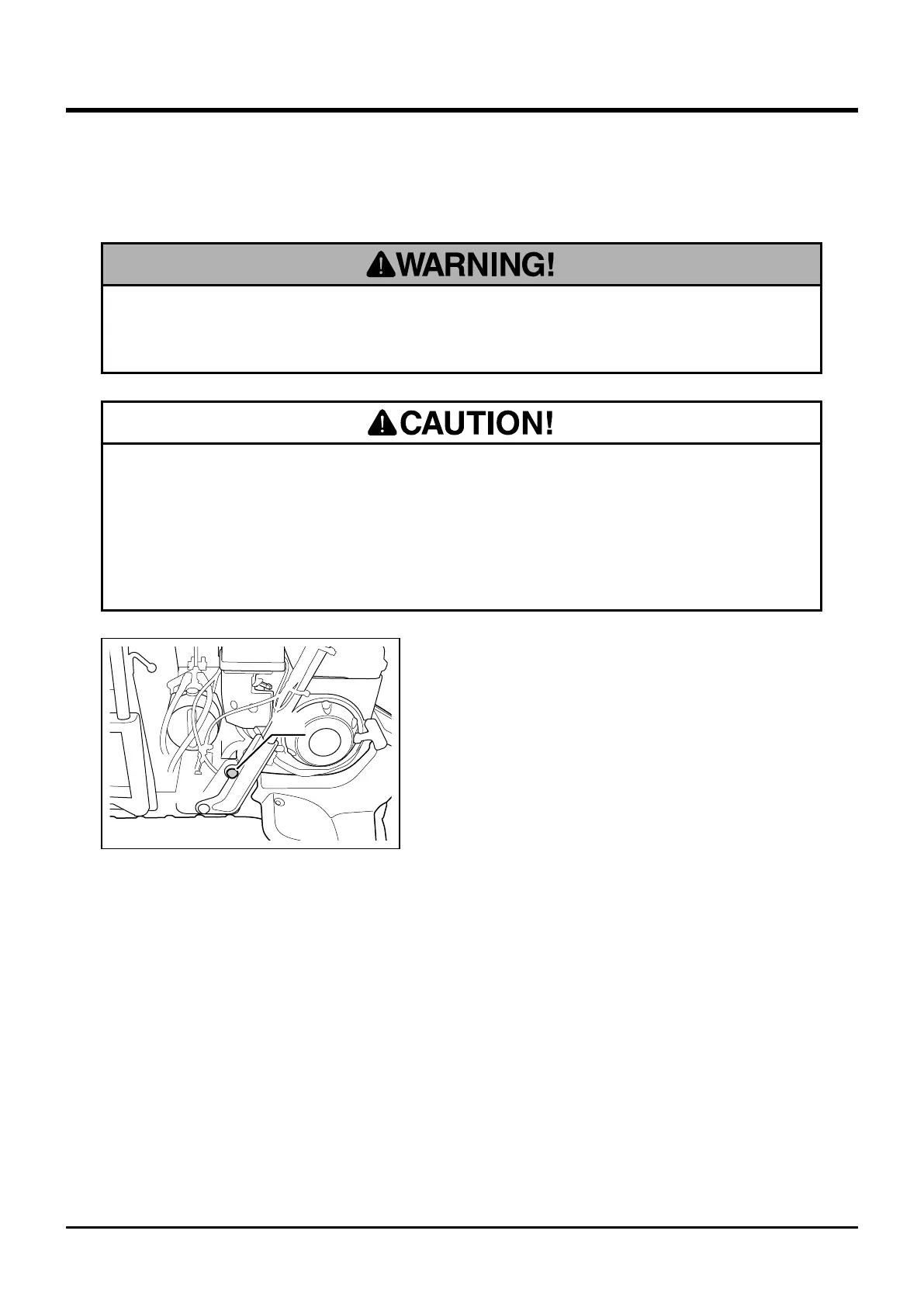
Adjusting Handle Lever Angle
• Pinch hazard. Make certain that hands or ngers are not in the way to be caught
when adjusting handle lever.
• Make certain handle lever is securely locked after adjustment. Move handle
lever back and forth to see if it is locked.
Bolt
3577M-0401-020US
1. Undo bolts on both sides.
2. Adjust the angle of handle lever. There are
two positions. Adjust it to suit operator's
physique or liking.
3. Tighten bolts securely.
• Set handle lever to a proper position. Improperly adjusted handle bar can cause
an accident.



 To Next Page