Operation
Manual Mode Operation
Manual mode is usually used for troubleshooting purposes, should the operator encounter rate or
pressure instability issues while spraying. Switching to manual mode could allow the operator to finish
a field or job before contacting the dealer to solve the problem.
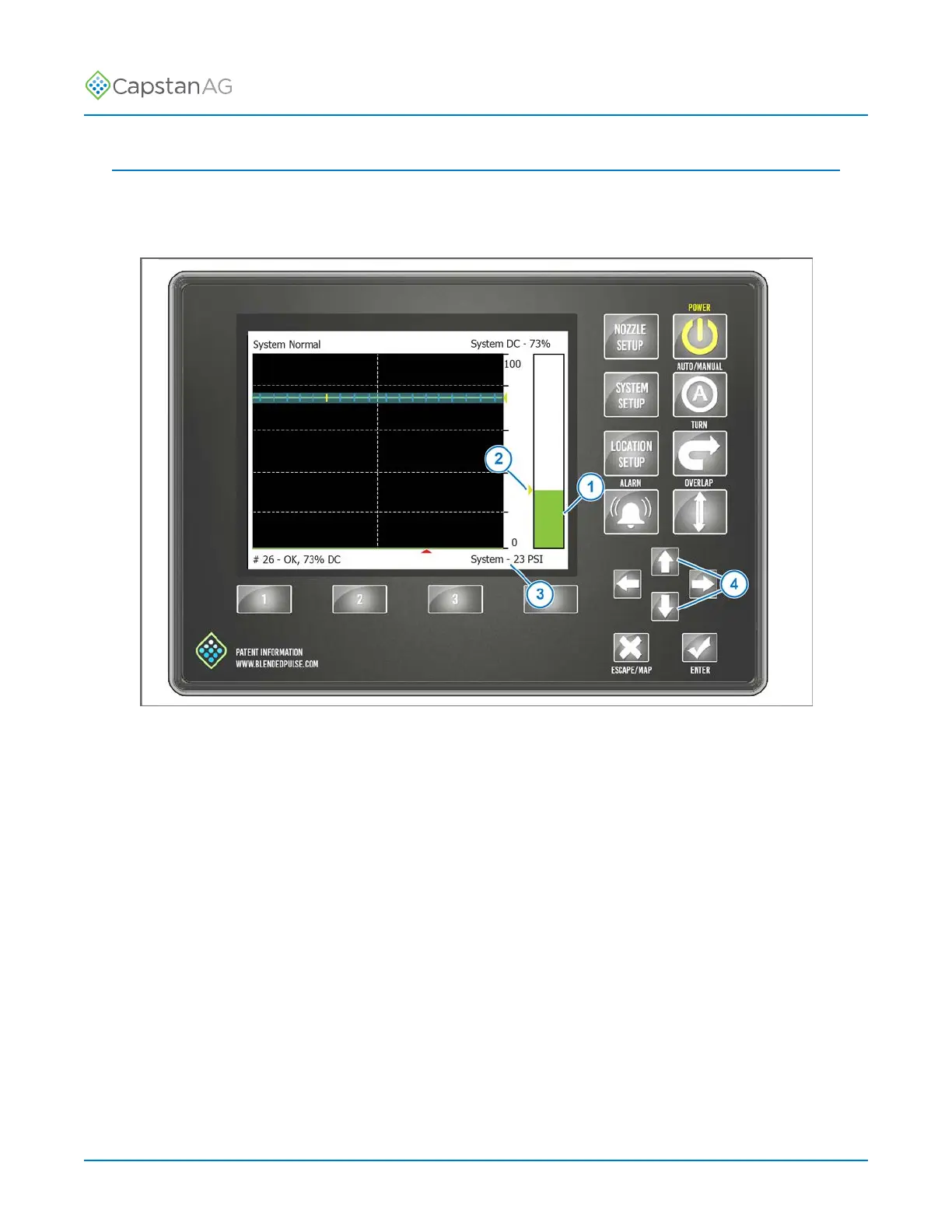
Fig. 37:
In manual mode, the actual pressure is shown in three different ways:
(1) Green Pressure Bar
(2) Yellow Error
(3) Text on the bottom right corner
In Sharpshooter mode, use the UP or DOWN arrows (4) to control the nozzle duty cycle, regardless
of the pressure sensor reading or target pressure set point.
In Synchro
™
mode, use the UP and DOWN arrows control the pump.
©
2020 Capstan Ag Systems, Inc. 76 PinPoint
™
II



 To Next Page