Operation
Turn Compensation
With a standard spray boom, the flow rate is averaged over the entire boom, and the flow rate is
based on the speed of the sprayer chassis. This results in over application on the inner radius of
the turn and under application on the outer radius of the turn because the nozzles are traveling at
different speeds than the chassis is during a turn. A tighter turn radius results in a higher level of
misapplication.
With the turn compensation feature engaged, each nozzle will apply the correct amount of product
based on each nozzle’s speed, calculated using GPS.
The amount of correction available to each nozzle during a turn compensation turn can be limited by
the amount of available duty cycle during the turn. The ideal target duty cycle during a tight turn is
55%.
Nozzles determined to be moving backward will turn off. If only part of the boom is spraying, the
flowmeter signal is managed, so the correct rate is applied.
Turn compensation calculates a turn radius from a GPS signal and adjusts the flow per nozzle
to maintain a constant rate. Turn compensation can be turned off for situations that include
troubleshooting and no GPS.
Press the TURN button on the CapView display to turn on and off the turn compensation feature.
If you need more information about turn compensation, contact your CapstanAG Field Representative
or your servicing dealer.
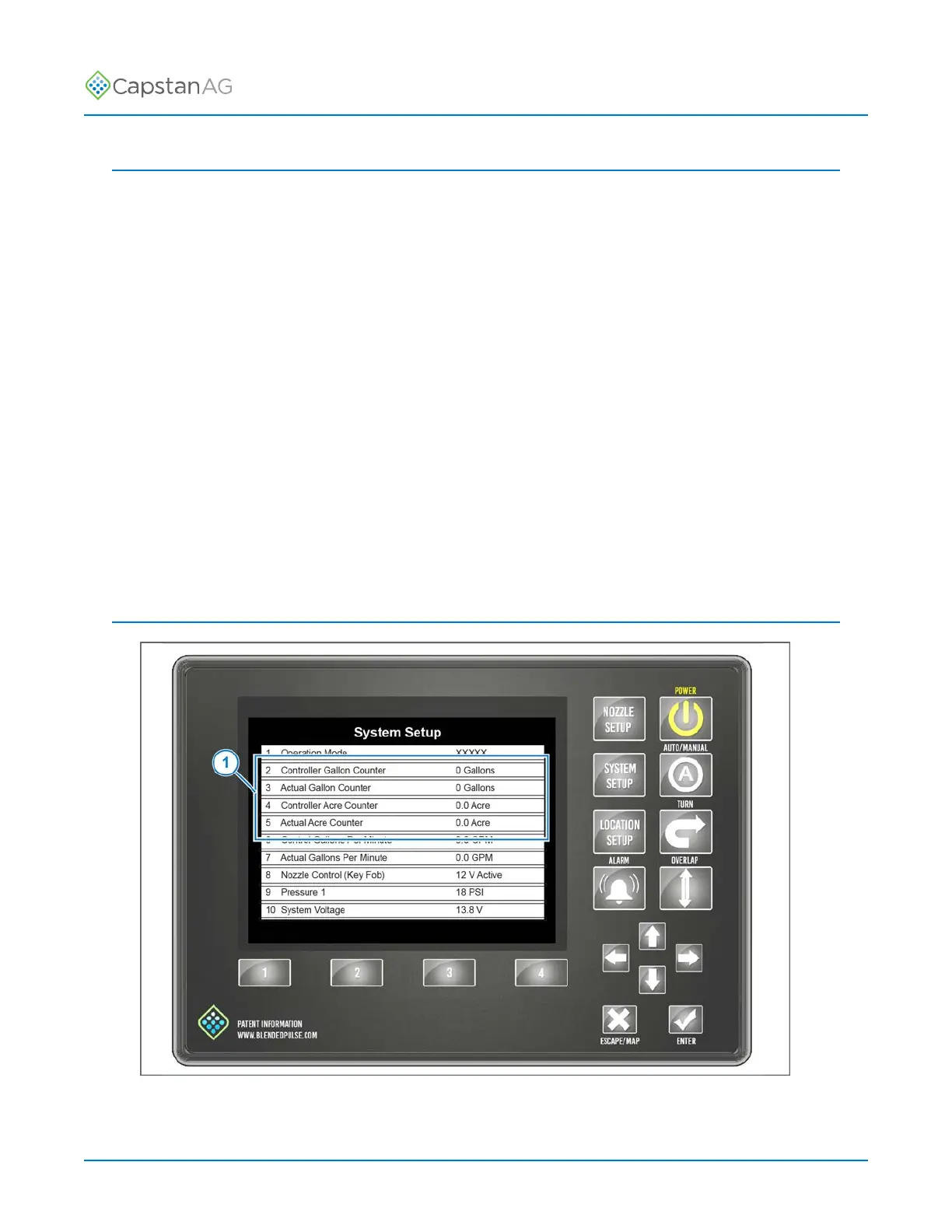
Counters
Fig. 53:
The counters (1) are shown on the System Setup screen.
©
2020 Capstan Ag Systems, Inc. 91 PinPoint
™
II



 To Next Page