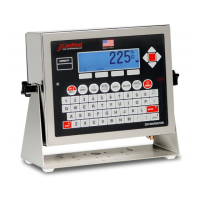
8200-0753-0M Rev A 225D Weight Digital Indicator
SPAN ADJUST
Span adjust allows the user to tweak the span of the entire scale at once.
1. Press 4 and ENTER.
2. The 225D will display the current live scale weight “SCALE WT = XXXXX.X” in high-
resolution mode.
3. Place the test weight at any location on the scale.
4. Press SET_WT soft key. The 225D will prompt “ENTER NEW WEIGHT = “.
5. Enter the value of the test weight and press ENTER.
6. The 225D will adjust span to target weight.


 To Next Page