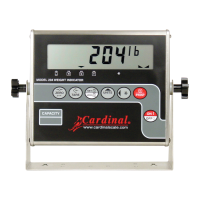
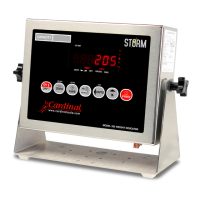
8200-0753-0M Rev A 225D Weight Digital Indicator
Hardware Diagnostics
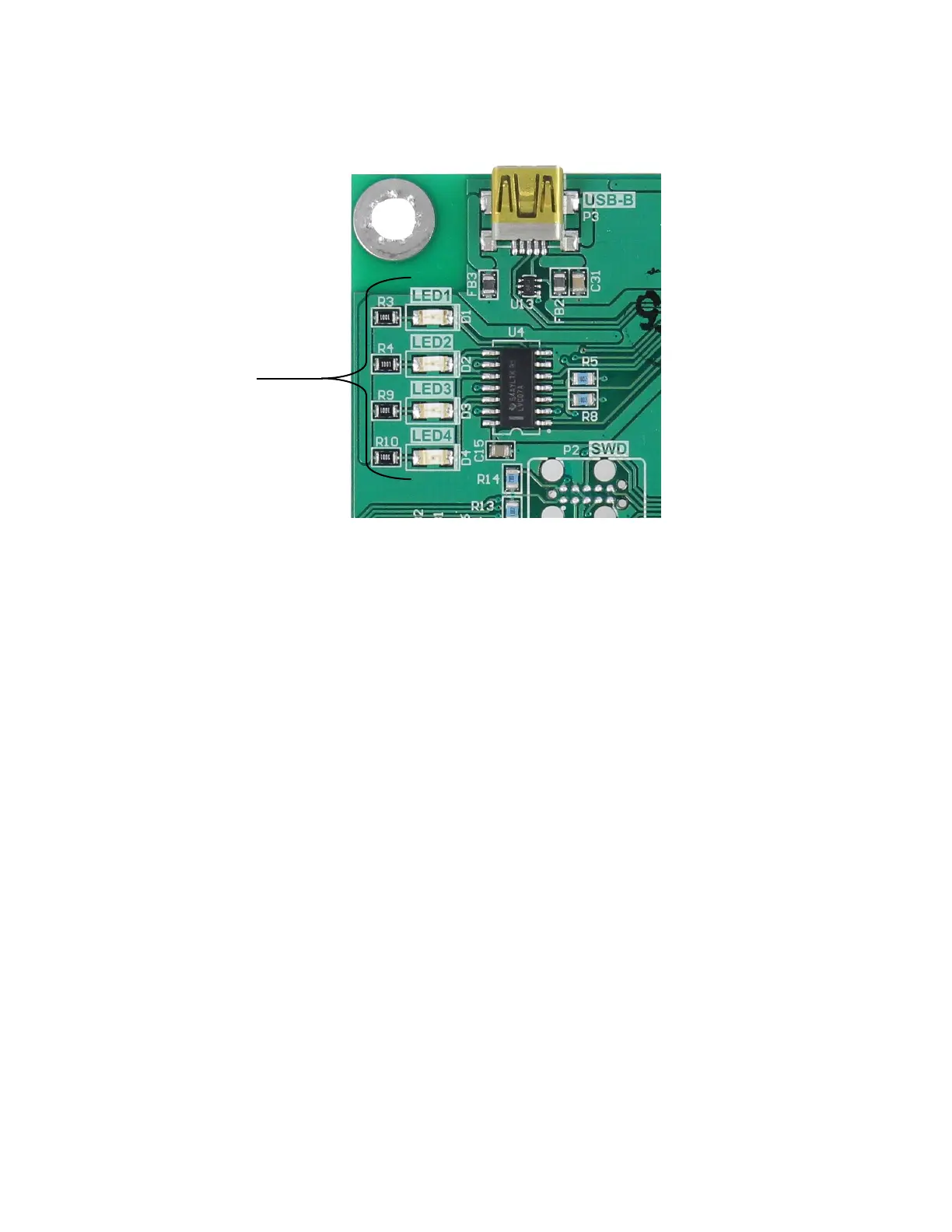
The 225DLC (Digital Load cell Controller) option card has four LED’s for diagnostic purposes.
LED1 (RED) – MAIN BOARD TX/RX: Toggles each time the DLC controller and the 225D
Mainboard exchange messages.
LED2 (RED) – TX TO LOAD CELL: Toggles each time a message is sent from the DLC
controller to the load cells.
LED3 (RED) – RX FROM LOAD CELL: Toggles each time the controller receives a
response from some or all of the load cells. Blinking does not mean that it
got a response from EVERY load cell. If some load cell does not respond,
the 225D will drop into INIT MODE.
LED4 (GREEN) – MODE: Indicates the mode of the DLC Controller
INIT MODE – Blinks once per second. If the 225D drops into INIT MODE, it is because
setup is required or it cannot find all the load cells.
NORMAL MODE – solid ON
DIAGNOSTIC MODE – Blinks twice per second. This should happen when the operator
enters the diagnostics menus.


 To Next Page