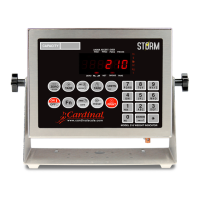
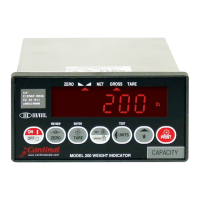
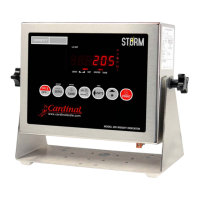
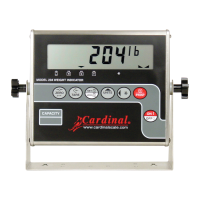
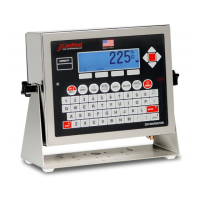
8200-0753-0M Rev A 225D Weight Digital Indicator
DIGITAL SCALE DIAGNOSTICS
There are four main components to Digital Scale Diagnostics:
On Screen Diagnostics – Critical errors that alert operator from main screen of setup
issues or hardware problems.
Diagnostic Menu – A set of diagnostic tools that give a technician more information
about each load cell.
iSite – Web based repository for historical load cell data that will be tracked for slow
degradation of load cell integrity (for example a single load cell that is drifting away
from zero). iSite will also receive all of the hardware errors found by the 225D
SmartCell Weight Indicator.
Hardware Diagnostics – LEDs on the DLC controller alert technicians of
communications status.
On Screen Diagnostics
The following messages will be shown to the operator on the main weight screen in real time
when an error happens.
COMMUNICATION ERROR BETWEEN INDICATOR AND SCALE
The homerun cable is
damaged or disconnected.
Check that cable is connected correctly.
Check cable for damage.
Use caution on the amount of insulation stripped for
connector. Center wires could short. Must be shorter
than the center connector.
Check connector for random strands of wire.
Verify that connector is clear of debris.
NO WEIGHT
COMMUNICATION ERROR BETWEEN
INDICATOR AND SCALE
ID COUNT


 To Next Page