EasyManua.ls Logo

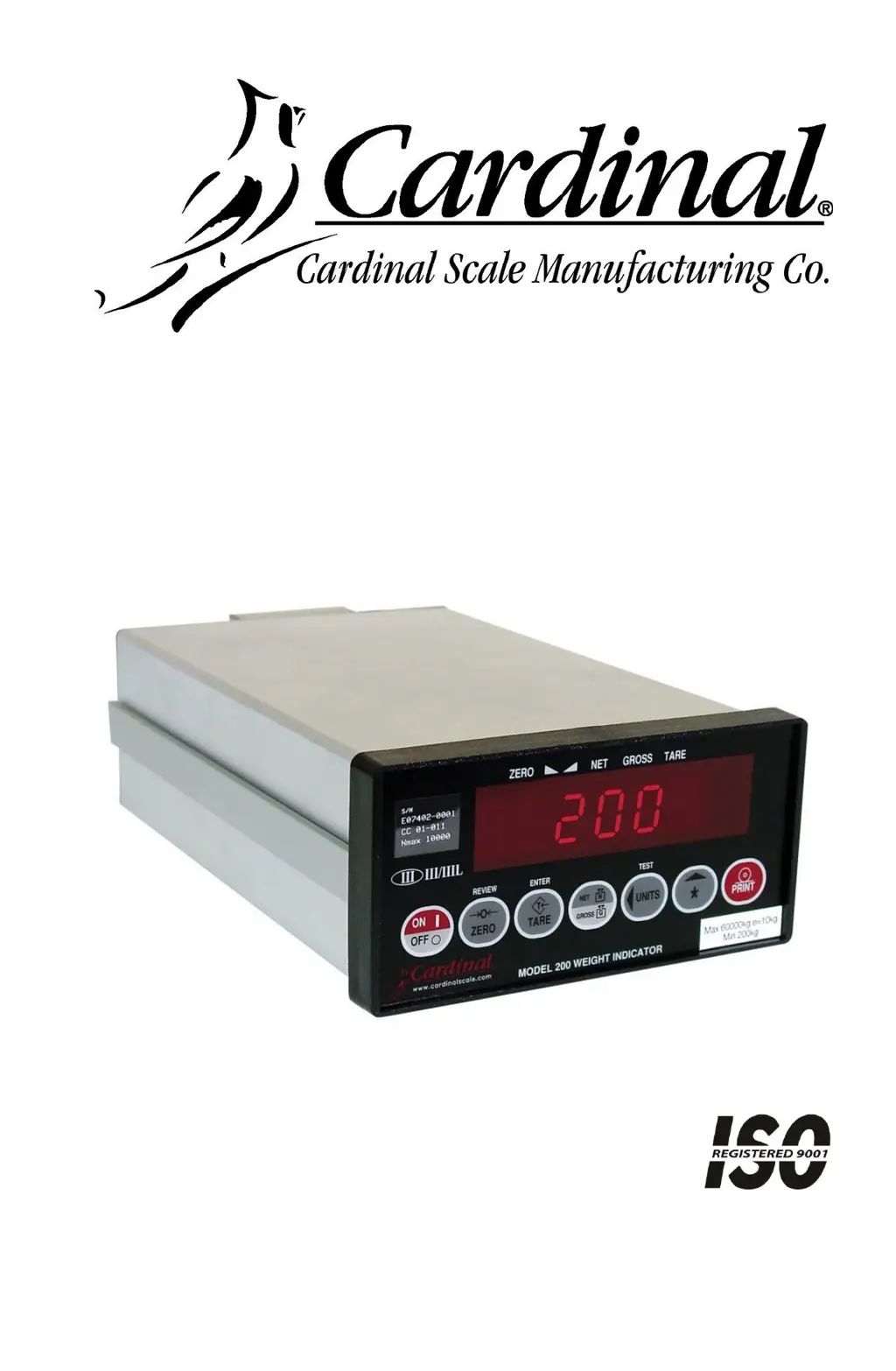
Cardinal 200 - User Manual

Cardinal 200
68 pages
Print Icon
To Next Page IconTo Next Page
Loading...
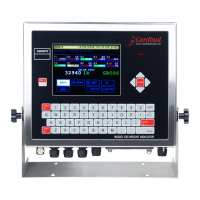
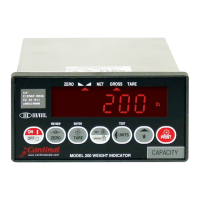
200
WEIGHT INDICATOR
INSTALLATION and TECHNICAL MANUAL
8200-M035-O1 Rev C
203 E. Daugherty, Webb City, MO 64870 USA
Printed in USA
02/14
Ph: 417-673-4631 Fax: 417-673-2153
http://www.cardinalscale.com
Technical Support: Ph: 866-254-8261 tech@cardet.com

Questions and Answers

  • D
    Diane OdonnellAug 16, 2025
    What to do if my Cardinal 200 scale shows oCAP error?
    • B
      bakerjenniferAug 16, 2025
      If the Cardinal accessory displays 'oCAP (over Capacity)', it means the load on the scale exceeds its capacity plus nine divisions. Remove the excess load from the scale. This issue might also indicate an incorrect calibration.
  • L
    Lindsey BarnesAug 19, 2025
    Why does my Cardinal 200 scale show -oF- (overflow)?
    • K
      Karen MccoyAug 19, 2025
      If your Cardinal accessory displays '-oF- (overflow)', the indicator is trying to display a positive number greater than six digits or a negative number of more than five digits. Switch back to Gross Weight mode and check the Tare value. This might also mean the calibration is off.
  • M
    Miss Janice NortonAug 22, 2025
    What does ErrAh mean on my Cardinal 200 scale?
    • J
      johnsonjamesAug 22, 2025
      If the Cardinal accessory displays 'ErrAh (Error Analog high)', it means the load cell input is above the range of the indicator. Check for improper load cell wiring, excessive load, and ensure the output is between 1 to 40mV. Another possible cause is load cell or circuit failure.
  • N
    Nicholas BaileyAug 25, 2025
    What does ErrAL mean on my Cardinal 200 scale?
    • D
      danielgreeneAug 26, 2025
      If the Cardinal accessory displays 'ErrAL (Error Analog Low)', it means the load cell input is below the range of the indicator. Check for improper load cell wiring and ensure the output is between 1 to 40mV. Another possible cause is load cell or circuit failure.
  • T
    tinadicksonAug 28, 2025
    Why does my Cardinal Accessories scale show UnStb (Unstable)?
    • A
      Andrea BaldwinAug 28, 2025
      If the Cardinal accessory displays 'UnStb (Unstable)', it means there is motion present when trying to perform a print function. Wait for a stable weight display, indicated by the STABLE annunciator being on, before printing.
  • J
    Jason LeeAug 30, 2025
    What to do if my Cardinal Accessories display does not turn on?
    • J
      Joseph LucasAug 31, 2025
      If the Cardinal accessory display does not turn on, ensure the AC power cord is fully inserted into the wall receptacle. Check the wall receptacle for proper AC power by testing it with another electrical appliance. Also, check the circuit breaker and see if there has been a power failure.
  • J
    johnkerrSep 3, 2025
    Why does my Cardinal 200 Accessories show CALbtn on power-up?
    • S
      Sylvia McbrideSep 3, 2025
      If the Cardinal accessory displays 'CALbtn' on power-up, the calibration switch is either pressed in by the operator or is defective. Release the switch. If the problem persists, the calibration switch assembly may need replacement.
  • R
    roseashleySep 6, 2025
    Why is my Cardinal Accessories displaying an incorrect weight?
    • H
      hwarrenSep 6, 2025
      If the Cardinal accessory is displaying an incorrect weight, ensure the indicator has been calibrated. Make sure the scale platform isn't touching anything. Check the load cell connector wiring. If using four-wire load cells, ensure the sense lead jumpers (J4 & J5) are installed. Verify that you are following proper operating procedures.
  • A
    angelthomasSep 9, 2025
    What does HuH? mean on my Cardinal 200 scale?
    • L
      Luis VasquezSep 9, 2025
      If the Cardinal accessory displays 'HuH?', it means the UNITS key was pressed in an attempt to perform a unit conversion that is not allowed. Determine the reason for the error display and take the appropriate corrective action.
  • L
    Lauren LopezSep 12, 2025
    What does notArE mean on my Cardinal Accessories scale?
    • L
      Lauren FarmerSep 12, 2025
      If the Cardinal accessory displays 'notArE', it means the NET key was pressed with no stored tare weight value. Determine the reason for the error display and take the appropriate corrective action.

Summary

Product Specifications

Product Specifications Continued

Features and Certifications

Lists standard/optional features and relevant certifications for the indicator.

Safety Precautions

Site Preparation

Installation Procedures

Unpacking and Mounting the Indicator

Steps for safely unpacking and physically installing the weight indicator.

Installation Continued

Load Cell Wiring and Connections

Detailed guide for connecting load cells and managing sense leads.

Installation Continued

Installation Continued

Main PCB and Jumper Configuration

Identifies PCB components and explains jumper settings for functionality.

Keypad Operation

Keypad Operation Continued

Setup and Calibration

Accessing and Navigating Setup Mode

Procedures for entering setup and navigating through configuration prompts.

Setup and Calibration Continued

Setup and Calibration Continued

Serial Communication Configuration

Setting up baud rate, parity, data bits, stop bits, and output formats.

Setup and Calibration Continued

Dual-Point Calibration (First Zero)

Detailed process for standard two-point calibration with an initial zero point.

Dual-Point Calibration (False Zero)

Procedure for calibrating without a true zero, useful for tank applications.

Single-Point Calibration (Zero Only)

Procedure for recalibrating the zero point of the scale.

Fine Span Adjustment and High Resolution Display

Adjusting scale span and enabling high-resolution weight display.

Single-Point Calibration (Span Only)

Method for calibrating only the scale's span with one test weight.

Setup Review

Calibration C Numbers

Troubleshooting Error Codes

Common Error Code Explanations

Lists and explains initial error codes like CAL6En, Conf 16, Error, ErrAh, ErrRL.

Troubleshooting Continued

Additional Error Code Explanations

Explains further error codes including input issues, capacity, and overflow.

Pre-Service Troubleshooting Checks

Guides users through initial checks for common problems before contacting service.

Troubleshooting Continued

Diagnostic Test Mode Operations

Procedures for starting, changing, and stopping the diagnostic test mode.

Calibration Seal Installation

Local;Remote Setup

Cardinal 200 Specifications

General IconGeneral
BrandCardinal
Model200
CategoryAccessories
LanguageEnglish

Related product manuals