16 Chapter 3 Imaging Software Overview
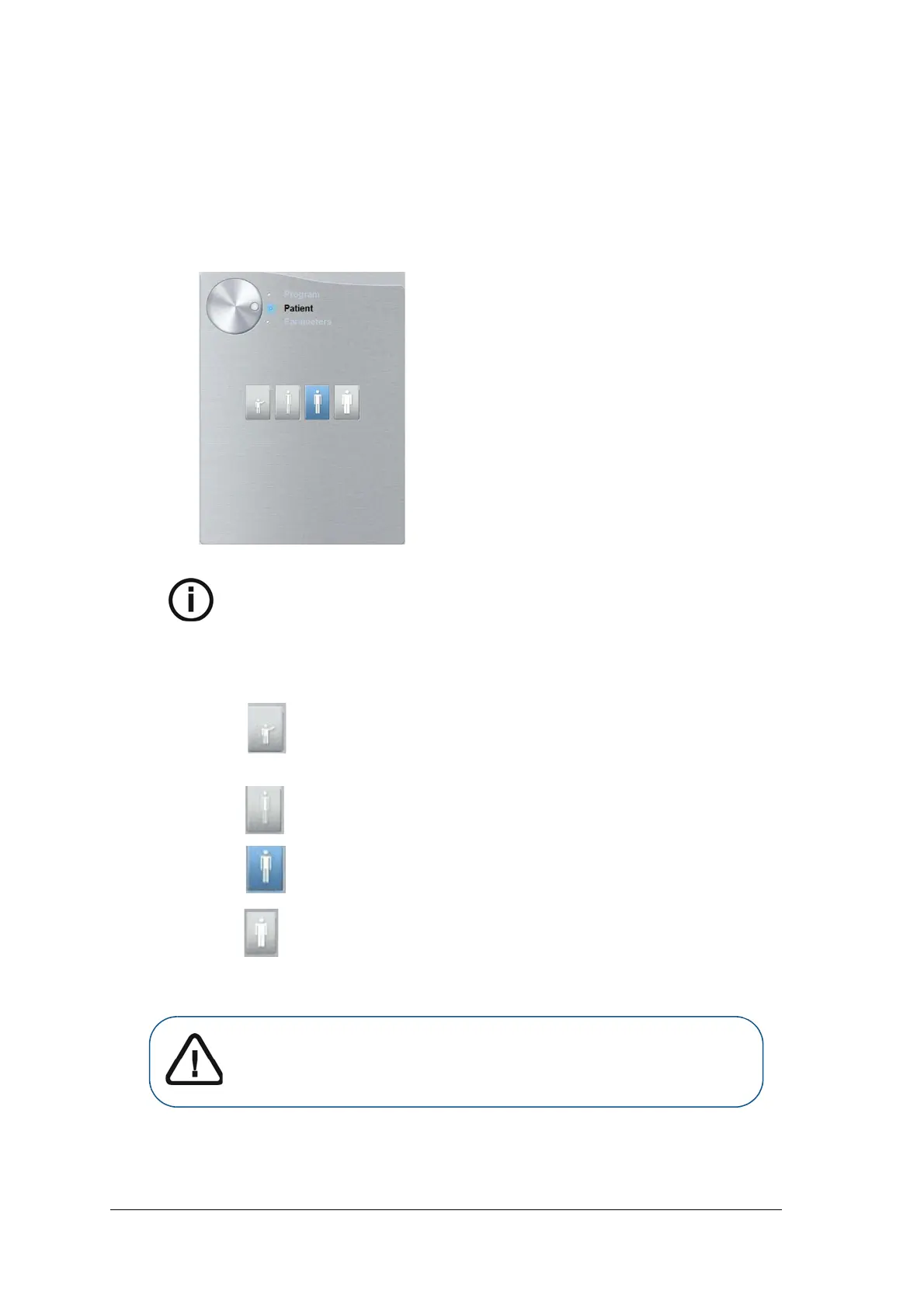
Cephalometric Acquisition Interface Patient Pane
The Cephalometric Acquisition Interface Patient Pane enables you to choose and select the
different patient parameters. The selected parameters for a patient influences the image quality
because the default kV and mA exposure settings are set for the selected patient mode.
The selected parameters must be based on the age and morphology of the patient.
Figure 3 Cephalometric Acquisition Interface Patient Pane
Note: A selected patient mode sets the kV and mA.
Patient type parameters:
Pediatric mode:
Click if the patient is a child.
Adult mode:
Click if the patient is small.
Click if the patient is medium.
Click if the patient is large.
Important: See the CS 8100 Family and CS 8100 3D Family Safety,
Regulatory and Technical Specifications User Guides for information on
radiation protection and recommendations when you select a patient
type, especially the pediatric patient.



 To Next Page