61
60
5. Exit Menu
If you want to exit, press ESC key.
If you set Tare No. to 1 when you create
PLU, tare is set to 0.010kg that is
programmed here.
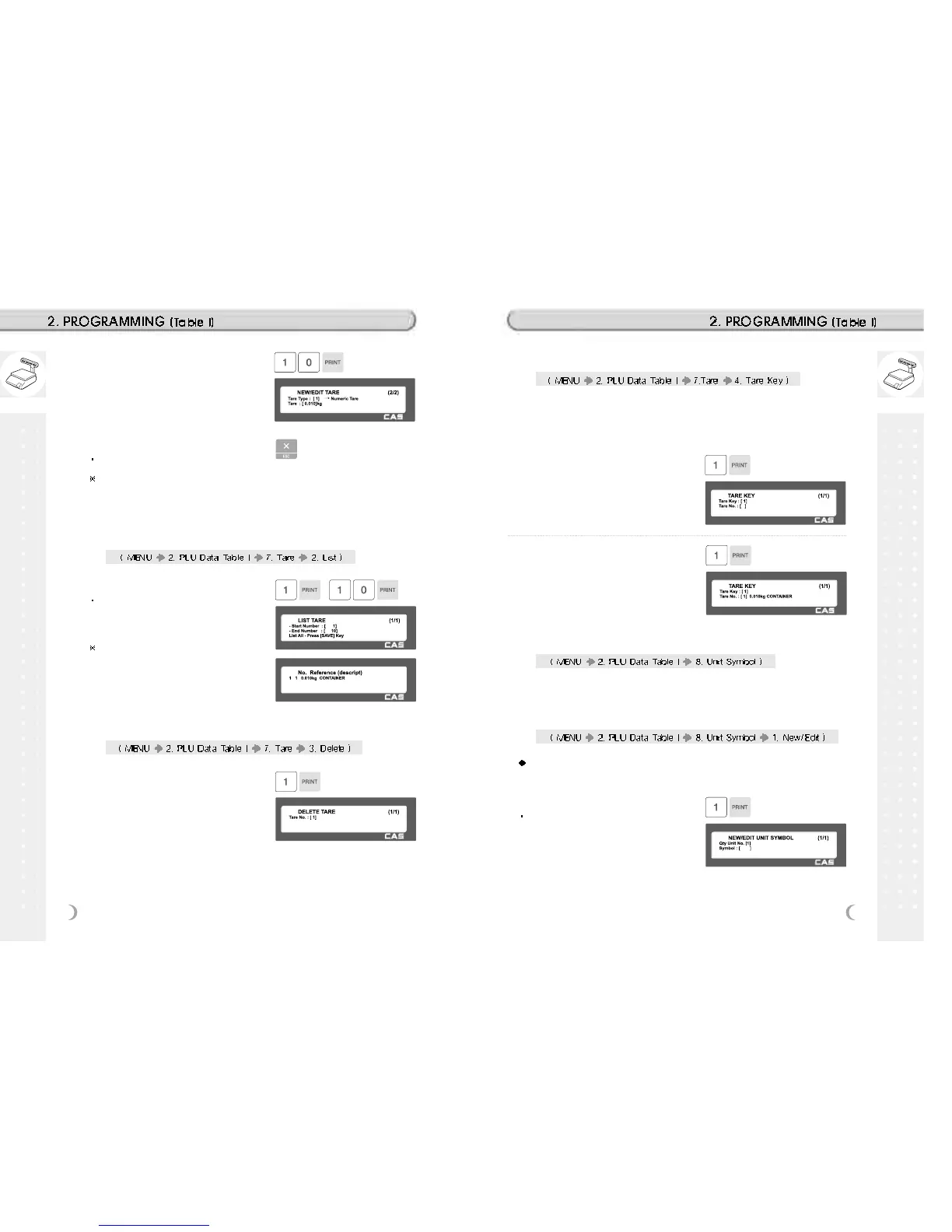
1. Set the list range
Set the range of tare that you wish to
check
EX) 1~10
If you want to print list, press the TEST
key.
2.2.27 List Tare (Menu code 1272)
1. Enter tare number to delete
EX) Delete tare no. 1
2.2.28 Delete Tare (Menu code 1273)
1. Enter tare Key
EX) Tare Key = 1
2.2.29 Tare Key (Menu code 1274)
You can assign Tare Key. There are 9 Tare keys and you have to set
these keys in menu (1880 Key define). See Chapter 2.14.22
Note: can not set double click key
2. Enter tare number
EX) Tare No = 1
1. Enter unit number
This value can be from 1 to 8.
EX) Qty Unit No. = 1
2.2.30 Unit Symbol (Menu code 1280)
You can program the unit symbol to print label.
2.2.31 New/Edit Unit Symbol (Menu code 1281)
You can press the SAVE key at anytime to save the current data and if
you want to exit without saving, press the ESC key.
4. Enter Tare Value
EX) Tare = 0.010 Kg



 To Next Page