CAL 7-2
Function : Axle Adjustment
Set Range : 3 ~ 10
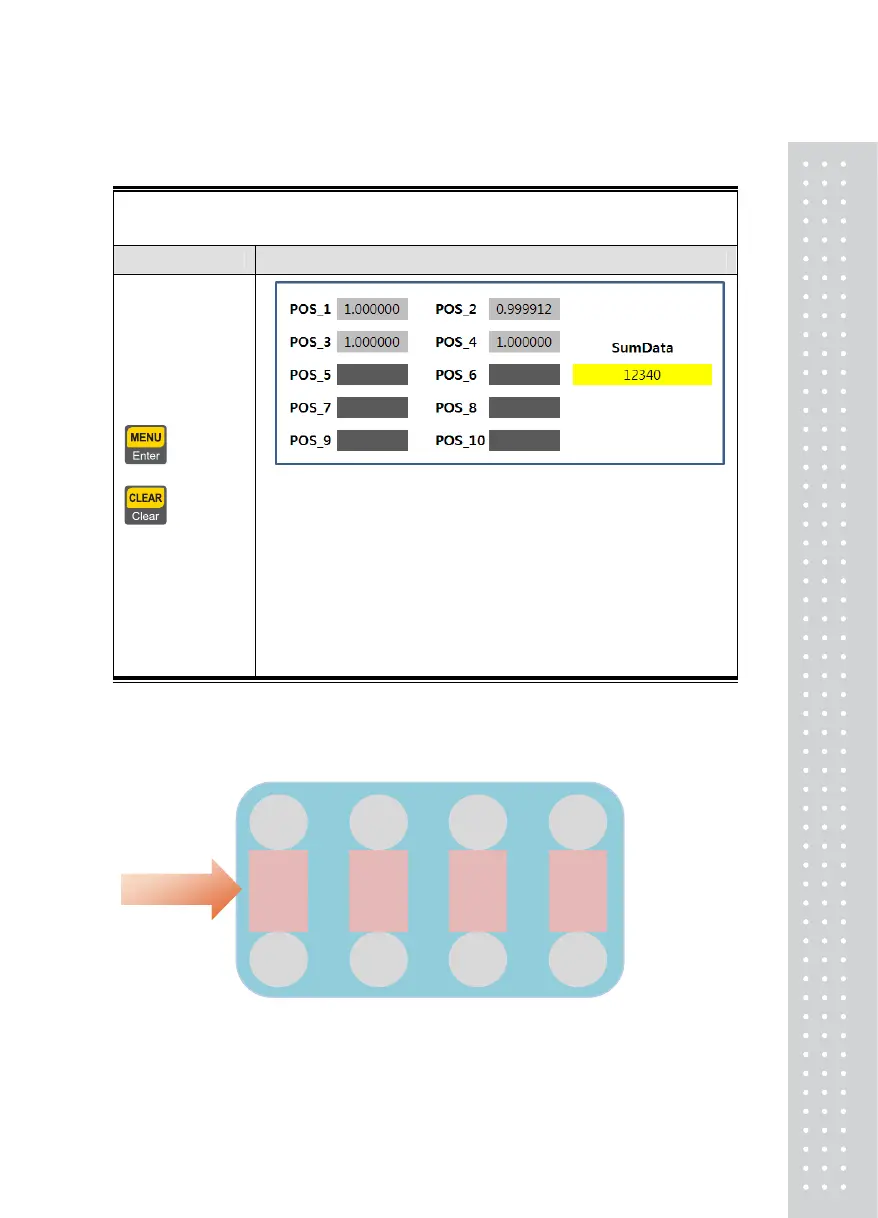
Use Keys Display Part & Description(Example 8 Loadcell)
= Enter,
= Cancel
Axle adjustments should perform the number of axles
1. Place the load on the 1
st
axle. Check stable and push
“Enter” key
2. Place the load on the 2nd axle. Check stable and
push “Enter” key
3. ..
4. Place the load on the 4th axle. Check stable and
push “Enter” key
Note 1. The weight to be used should be at least 10% of nominal weight and the indentical
weight should be used for all axle pointss
.
Note 2. Loadcell IDs should be configured as shown is this fugure.
Entrance
Axle
3
Axle
1
1
2
3
4
5
6
Axle
2
Axle
4
8
7
35



 To Next Page