CAL 7-1-1
Enter method : press key in corner adjustment mode, then move to
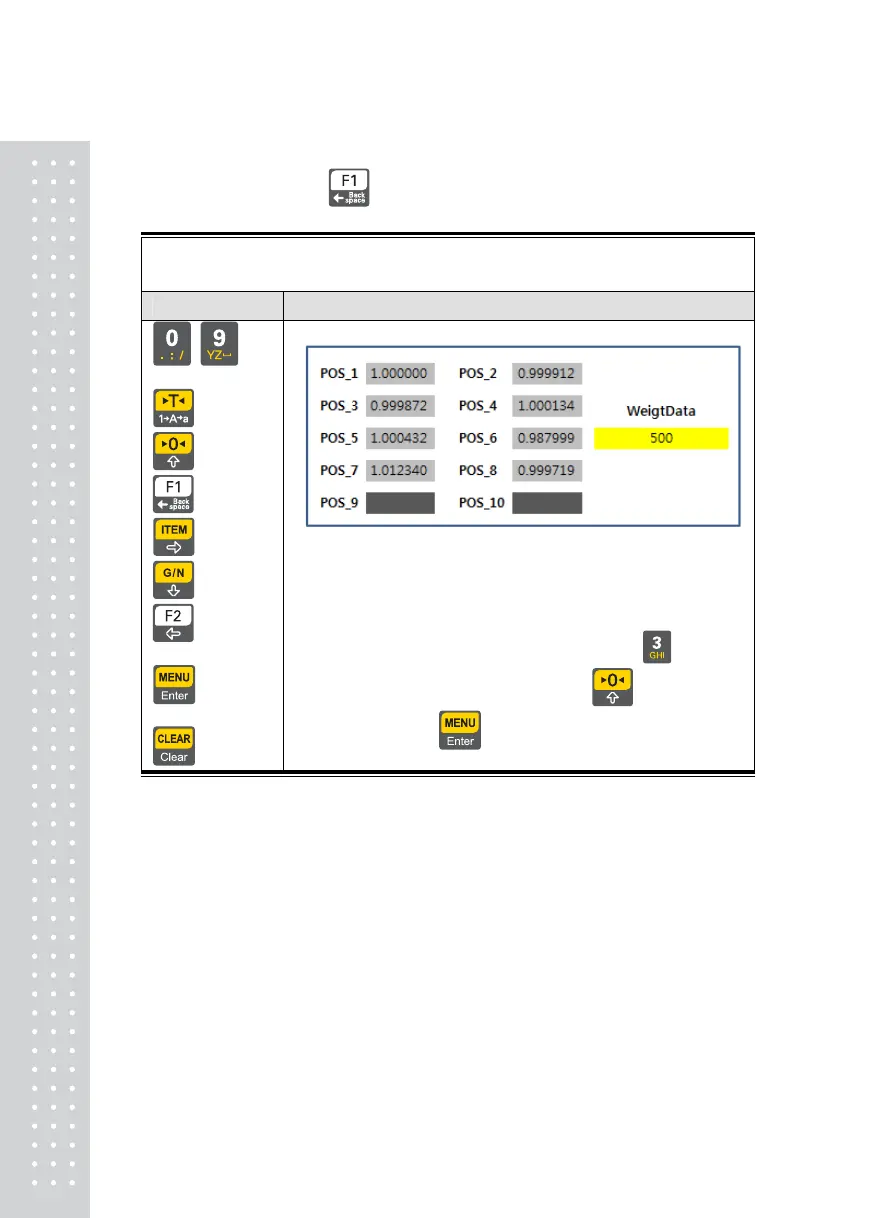
Corner factor trimming mode
Function : Corner Factor trimming
Use Keys Display Part & Description(Example 8 Loadcell)
~ =
Choose position
: +1
: +100
: +10000
: -1
: -100
: -10000
= save,
= cancel
This function can corner factor trimming what you want
position
Ex) +0.000200 corner factor of 3
rd
position
POS_3’s factor value color is change to red when press
key.
Factor value increasing +0.000200 by pressing
key twice times
If want to save, press
key
Note 1. This function use only Corner adjustment function was completed successfully
3



 To Next Page