5.Print Test
Function : Printer Test
Used Keys Display Part Description
: Upper Menu
Print
Print out the following form
CAS Corporation
Come And Succeed
TEL 1577-5578
TEST OK
Note 1. Designate in advance the printer to be used n Menu No. [2-3-01].
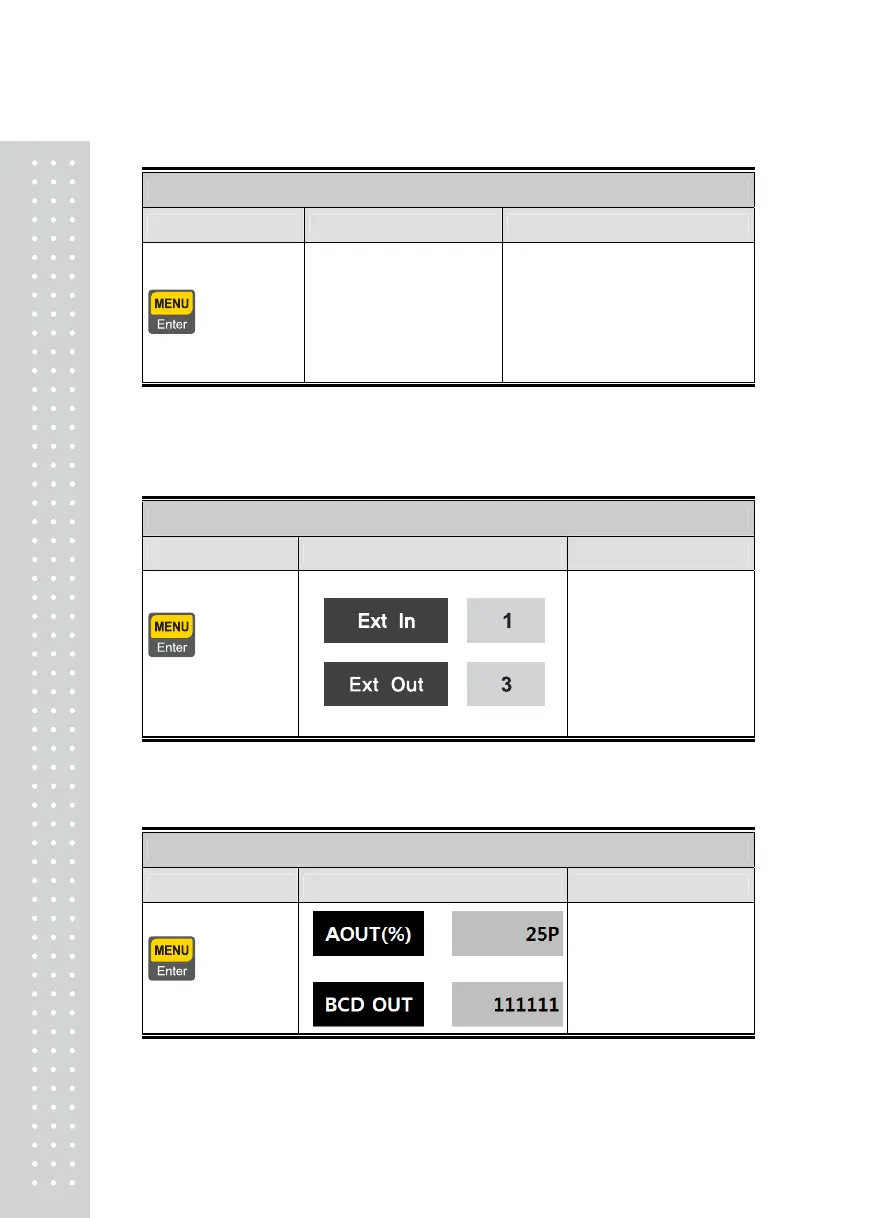
6.External Input/ Output Test
Function : External Input/ Output Test
Used Keys Display Part Description
:Upper Menu
Other Key : Test
Displayed in the external
input section when there is
an external input.
Push No.1~6 key to
execute weighing external
output
Note 1. This test operates only if Weighing Module Option Card is mounted
7.A-OUT, BCD OUT Test
Function : Option(Analog Out, BCD Out )Test
Used Keys Display Part Description
:Upper Menu
Other Key : Test
The output level of Aout is
raised by 25% each time
the key is pushed.
Note 1. This test operates only if Analog out or BCD out Option Card is mounted.
4



 To Next Page