DISTRIBUTION SYSTEMS - ELECTRICA L POWE R SYSTEM
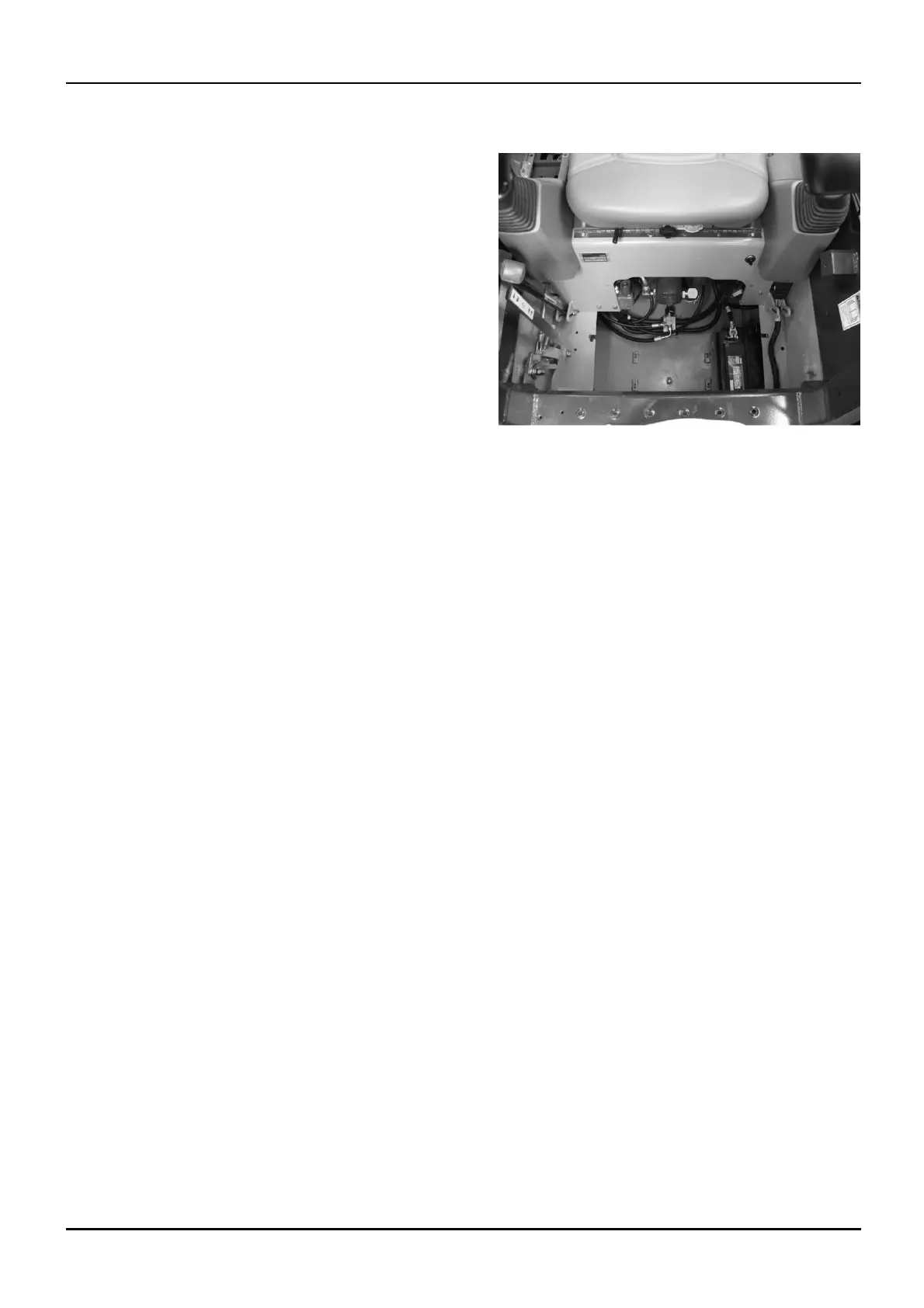
Battery - Remove (A.30.A.83 - F.10.A.10)
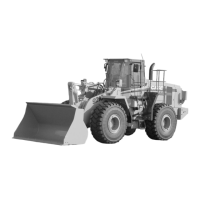
435, 445, 445CT
1. Loosen and remove the mounting bolts which fasten
the floor plate to the machine. Remove the floor
plate from the machine.
bd04c089 1
2. Disconnect the negative (-) battery cable from the
battery.
3. Disconnect the positive (+) battery cable from the
battery.
4. Remove the hold-down hardware from the battery
and remove the battery from the machine.
1 04/05/2005
A.30.A / 89



 To Next Page