SECTION 2
2-10
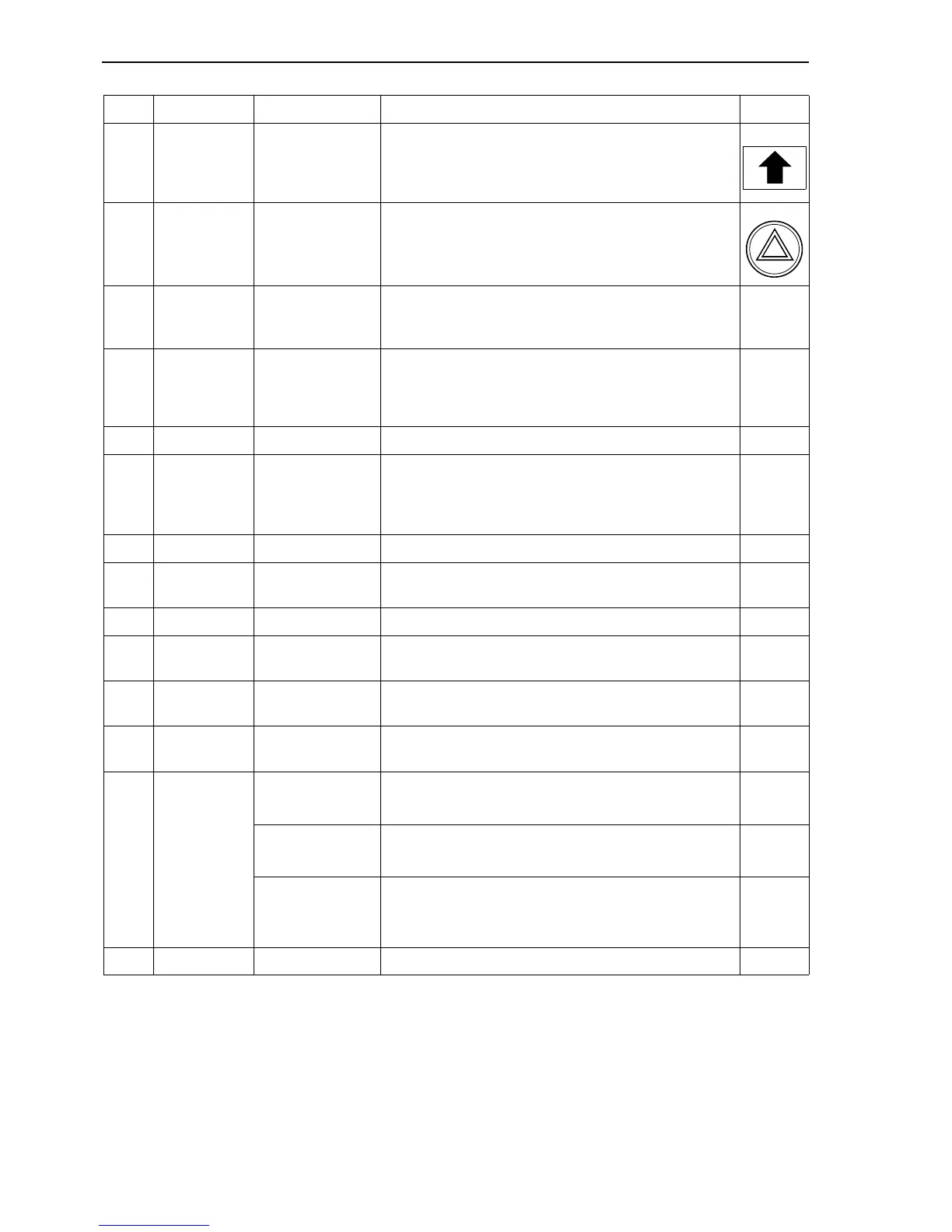
16 Lever Turn signal light Right signal light activation.
17 Push-button Flickering lights Flashing lights activation.
18
Steering
wheel and
column
Steering Transfers the steering motion to the steering axle.
19 Lever
Locking of the
steering column
It locks the steering column to required inclination:
by pushing downward - the column can be moved;
by releasing the lever - the column is locked.
20 Pedal Travel Starts the machine travel and determines its speed.
21 Pedal Service brake
It brakes the machine travel. The control lever locks
the service brake to braking position. At the same
time, the floating axle blocks. When the brake pedal is
released, also the floating axle releases automatically.
22 Push-button Warning buzzer Acoustic signal.
23 Push-button
Clamshell
rotation (optional)
Right clamshell rotation.
24 Push-button Hammer Hammer activation.
25 Push-button Power Boost
Generates an engine rpm and pressure increase (for
short work stages).
26 Push-button Levelling
Allows to perform the levelling operation in an
accurate and smooth way.
27 Pin
Upper structure
holding brake
It locks the upper structure to the undercarriage.
28
Right
hydraulic
control lever
Boom
By shifting the lever forward - the boom lowers.
By shifting the lever backward - the boom raises.
Bucket
By pushing the lever to the right - the bucket dumps.
By pushing the lever to the left - the bucket fills.
Clamshell
(optional)
By pushing the lever to the right - the clamshell
opens.
By pushing the lever to the left - the clamshell closes.
29 Socket 12 V auxiliary socket.
Ref. Description Operation Symbol



 To Next Page