620 Series
12
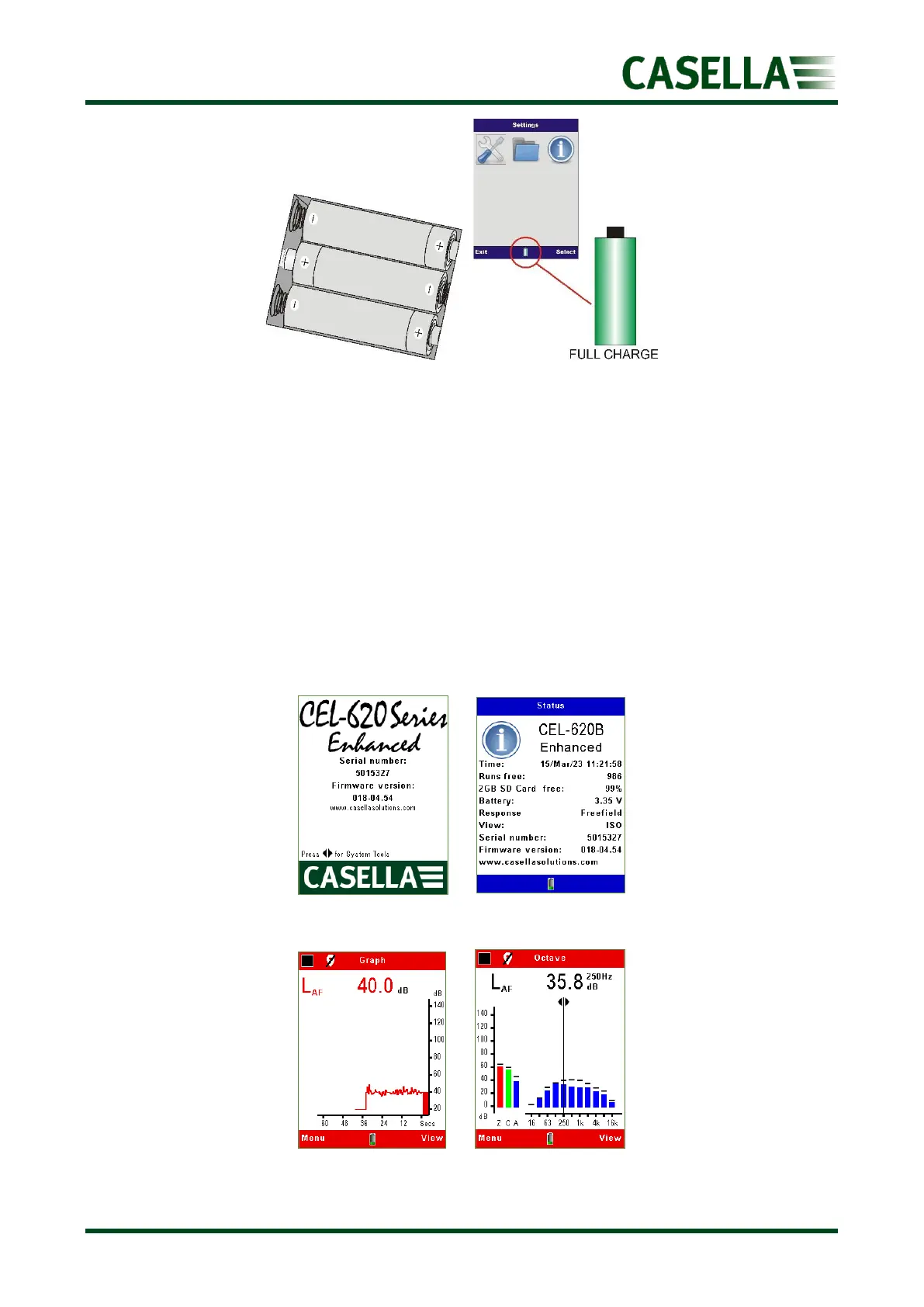
Figure 4
Turning the instrument On/Off
To turn the instrument on:
1. Press and release the red power On/Off key.
2. During the software initiation the start-up and status screen (figure 5) will display the
firmware version (e.g. V018-03 indicates issue 3 of the firmware) and the serial
number followed by the screens listed below (figure 6):
• 620A models– Graph screen in the (red) stop mode (below left).
• 620B models – Octave screen in the (red) stop mode (below right).
Figure 5
Figure 6



 To Next Page