620 Series
20
Voice Notes
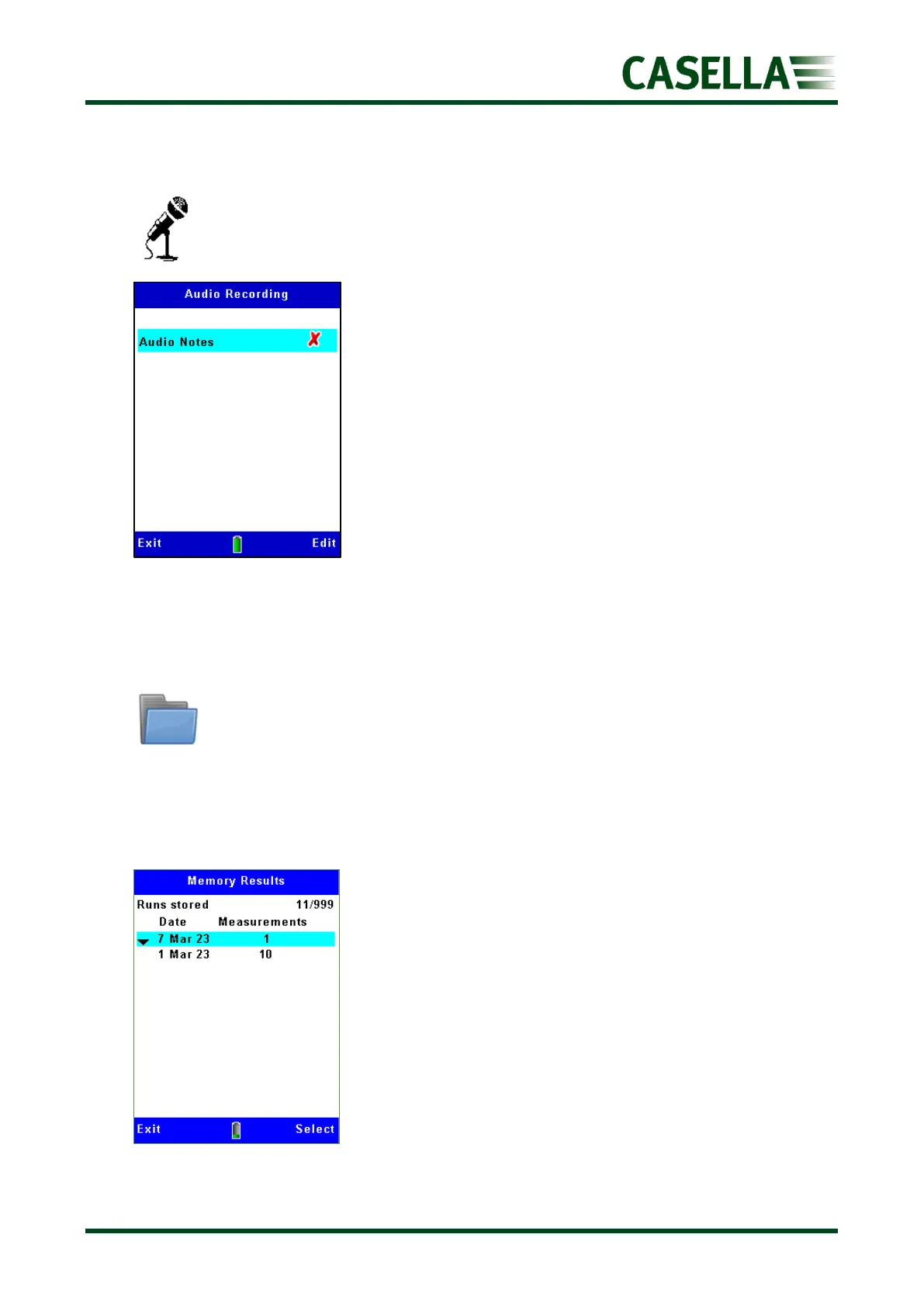
Audio voice notes may be added prior to a measurement run
(if selected) by speaking into the instrument microphone. The
2GB memory gives 33 hours of storage.
Use the corresponding Edit soft key and the, keys to
select (or deselect as shown in figure 23)
Press the corresponding Exit soft key to return to the previous
screen(s)
Memory
In this menu, you can access other sub-menus and options to view results, delete runs,
retrospectively add voice notes and listen to audio.
Firstly select the date of the run(s) using the or navigation keys to highlight it and press
the corresponding Select soft key for the data of interest as shown in figure 24.
Figure 24



 To Next Page