620 Series
18
Measurement Control
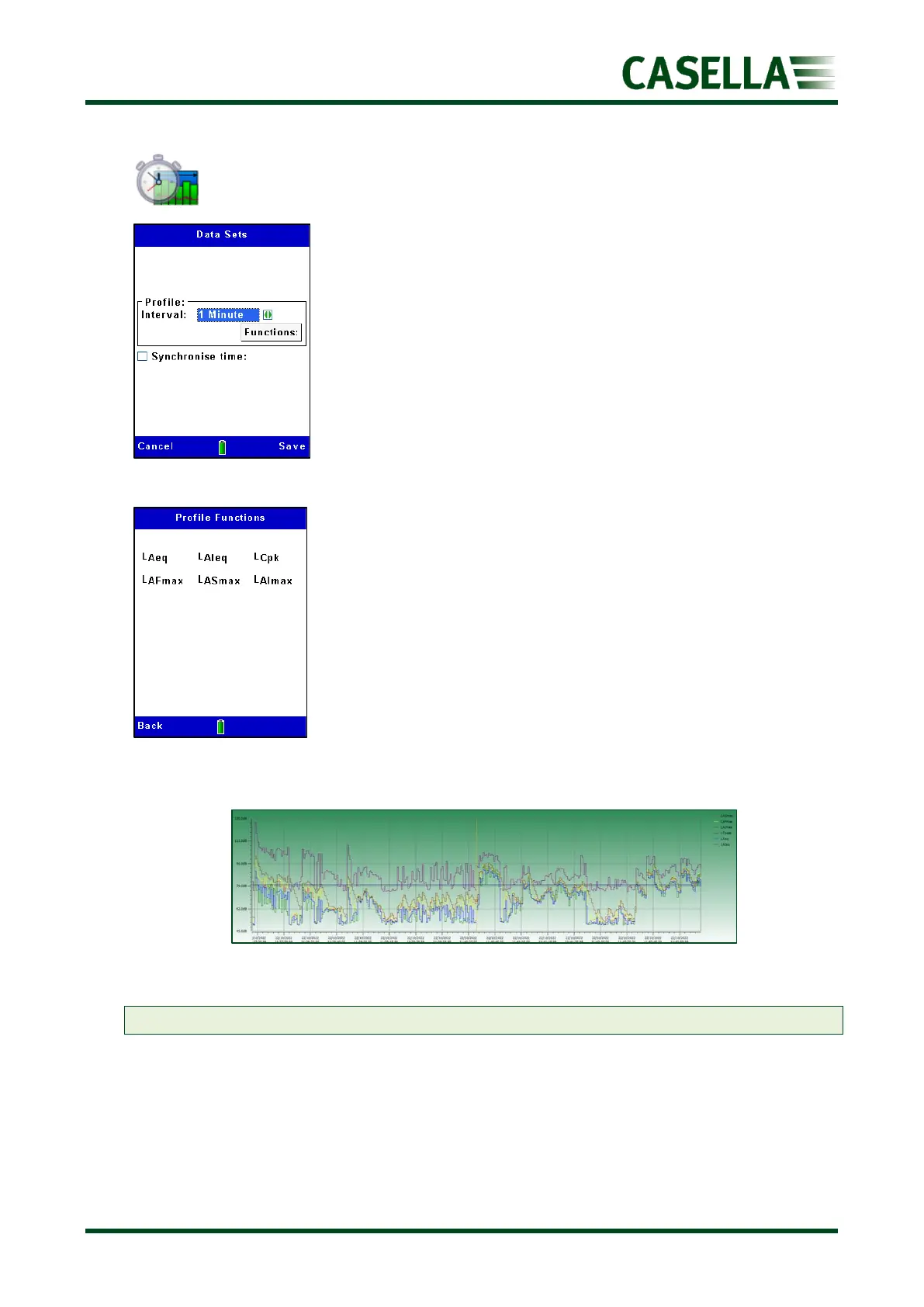
This new feature adds additional data sets which may be graphed
as shown below (see figure 20).
Use the or to navigate and the corresponding Edit soft key
and , keys to select either 1, 2, 5, 10, 15,20,30 second or 1, 2,
5, 10, 15, 20, 30, minute profiles or Off to disable.
Once selected press the corresponding Save soft key
Use the , to select Synchronise time (when highlighted) to
synchronise the profile times with the main clock.
To view the profile functions (see figure 19), select the
corresponding More soft key and the corresponding Back and Exit
soft key to return to the previous screen(s).
Figure 20 Example profiles when downloaded to insight software
Note: The profile functions can be viewed but not selected or deselected.



 To Next Page