620 Series
16
Set UP
This screen shows the default measurement parameters which will
be displayed for a given ‘regime’ and changes settings like the time
constant, (Fast or Slow), Exchange rate (Q=3, 4 or 5), LEQ or LAVG
with its associated thresholds.
There are two custom, User settings as shown Active in figure 13.
Use the, , or navigation keys to move within the screen
and the corresponding Activate and View soft keys accordingly and
Exit to return to the previous screen.
Note: Regardless of the view used, all parameters stored simultaneously and is independent
of time history logging.
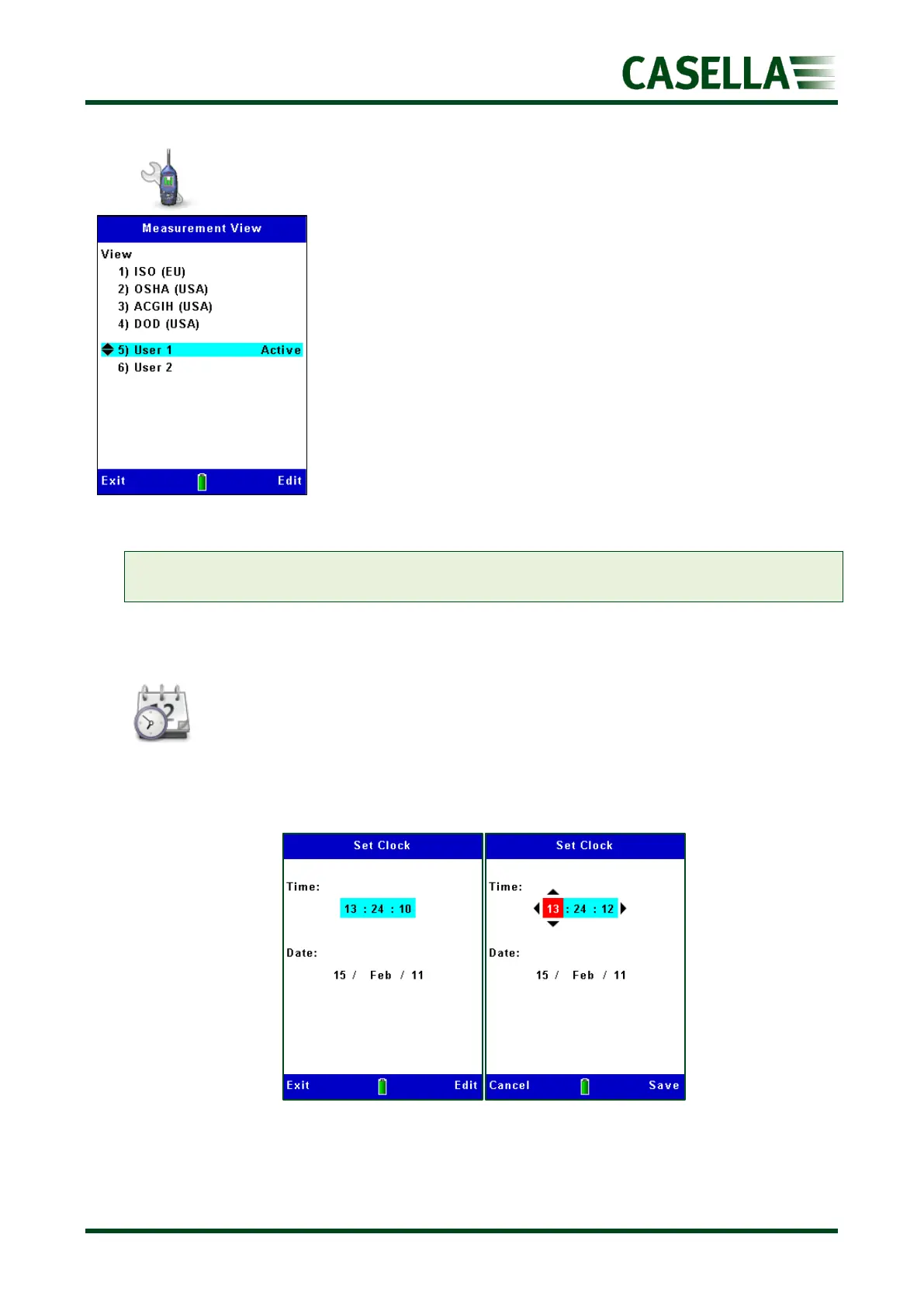
Set Clock
Use the or navigation keys to toggle between Time and Date (see figure 14) and the
corresponding Edit soft key to make changes when highlighted. Use the, , or
navigation keys and Save then Exit soft key to return to the previous screen(s).
Figure 14 Figure 15



 To Next Page