620 Series
17
Language
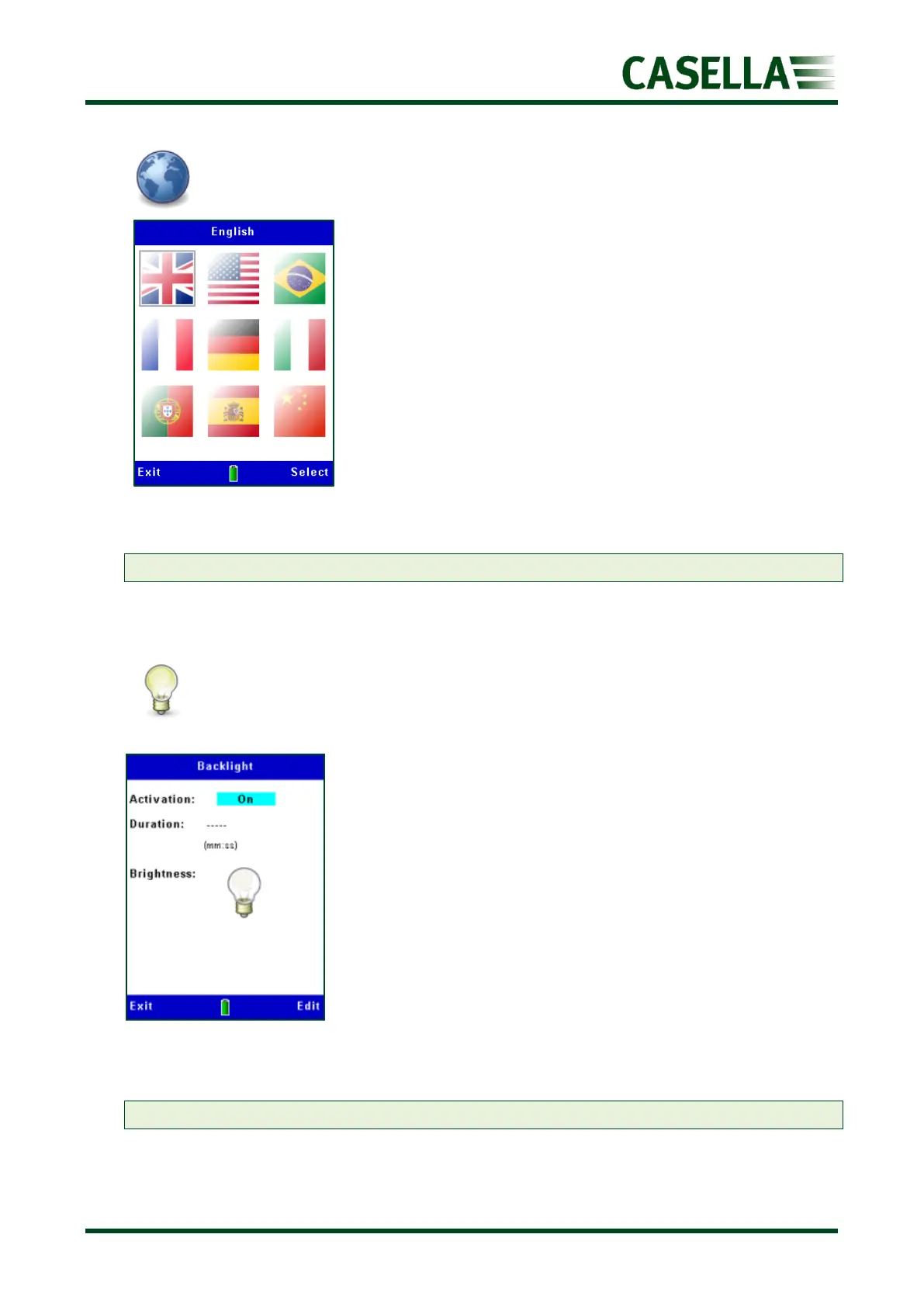
The default language is UK English (see figure 16).
Use the, , or navigation keys and the corresponding
Select soft key to choose the language of your choice
Press the corresponding Exit soft key to return to the previous
screen(s).
Note: ‘US’ changes date format only
Backlight
The backlight is either permanently activated or turned On
following a key press for a timed duration in minutes and
seconds (see figure 17).
Use the or navigation keys and the corresponding Edit and
Save (or Cancel) soft keys to choose the Activation type,
Duration and Brightness
Press the corresponding Exit soft key to return to the previous
screen(s)
Note: The brightness level affects battery life (see Technical Specifications)



 To Next Page