620 Series
15
Main Menu
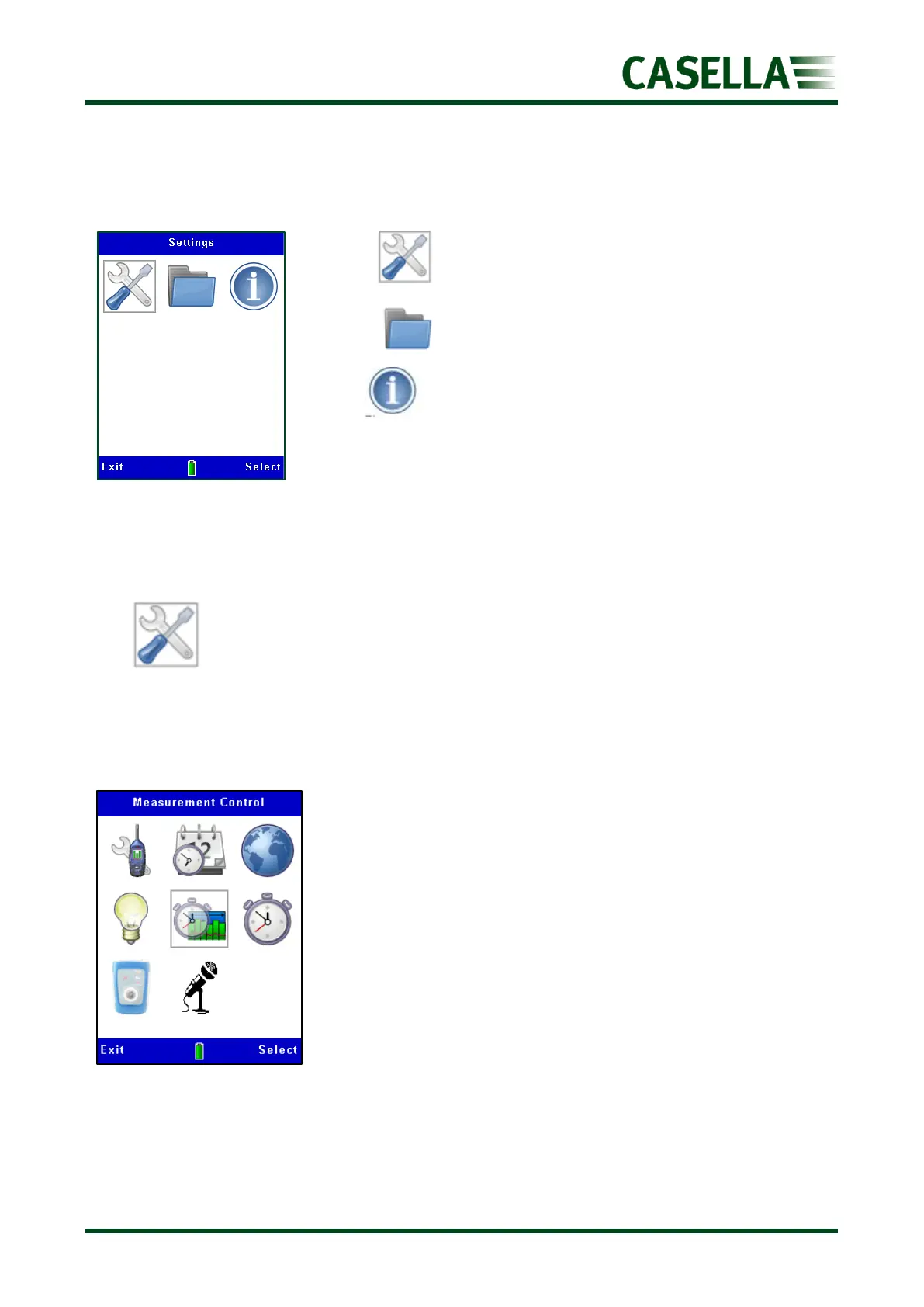
Access the ‘Main Menu’ (figure 11) from either of the two Stop screens by pressing the
corresponding Menu soft key.
• Settings allows changes to the instrument setup.
• Memory allows viewing and deletion of stored results.
• Status displays information such as firmware version,
battery voltage and free memory (as shown at instrument
initialisation).
Settings
In this menu, you can access other sub-menus and options as shown in figure 12.
Use the, , or navigation keys to move within the screen and the corresponding
Select or Exit soft key accordingly.



 To Next Page